Turn a sketch into a photorealistic render
Upload a hand sketch or a line drawing, describe the mood, and get a photorealistic image in seconds — your composition, real materials and light. No V-Ray, no 3D skills.
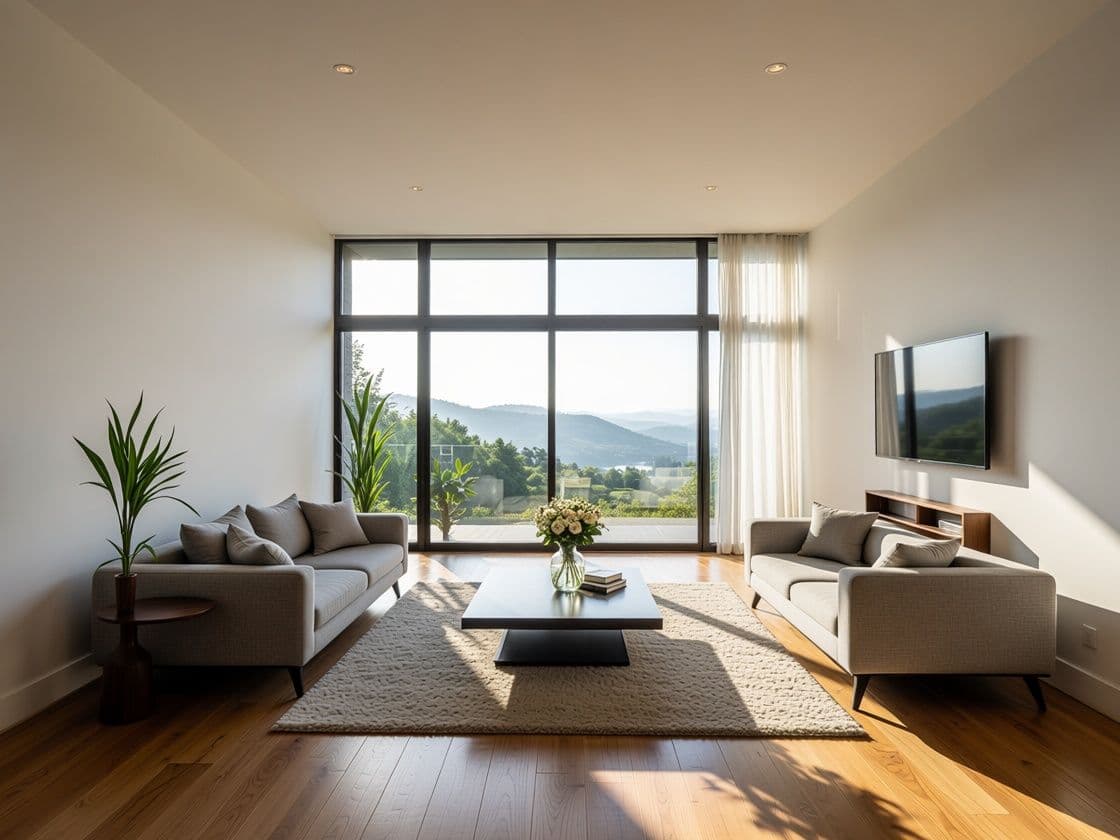
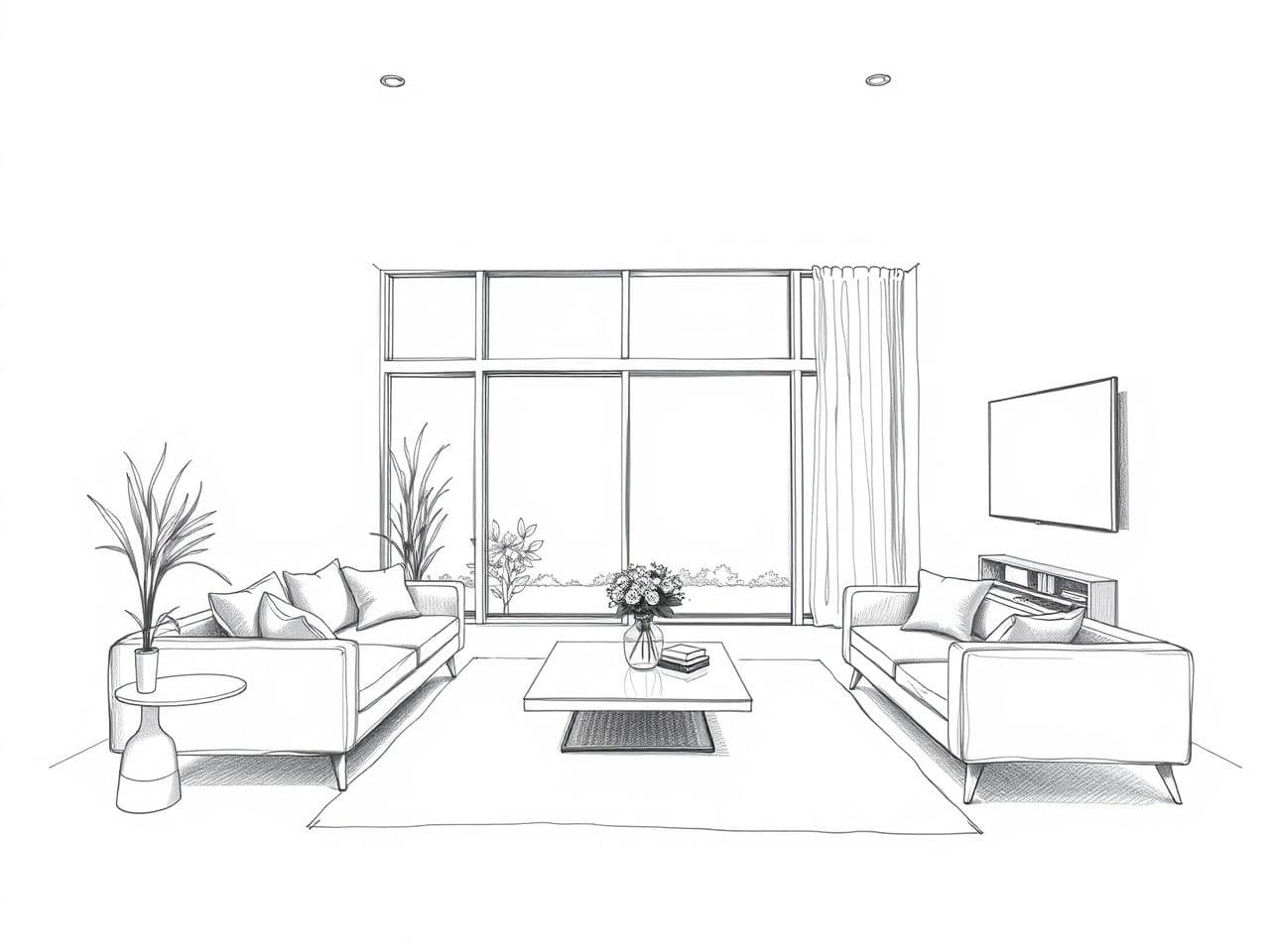
What is sketch-to-render?
Sketch-to-render turns a drawing — a hand sketch, a marker perspective, a CAD line export — into a photorealistic image while keeping your composition and perspective. Instead of modelling the whole scene in 3D and waiting hours for a render, you describe the materials and light in words and get a finished image in seconds. It's the fastest way to move from concept to something a client can actually feel.
Who it's for
Architects
Turn an early concept sketch into a presentation-ready image the client actually reacts to — before you commit hours to a full 3D model.
Interior designers
Sketch a room by hand, then see it furnished and lit in a real material palette. Explore three directions in the time one used to take.
Students & competitions
Get a striking render from a drawing without a render-farm budget or weeks in V-Ray. Present the idea, not the software.
Design-build firms
Show a prospect what their extension or renovation will feel like, straight from the concept sketch on the table.
From sketch to render in three steps
Upload your sketch
A pencil drawing, a marker sketch, a line export from your CAD or SketchUp — a clean photo of any of them works. The AI reads your composition.
Describe the mood
“Warm evening light, oak and concrete, minimal furniture.” Plain words set the materials, the lighting and the atmosphere.
Refine live
Change the time of day, swap materials, push the mood warmer or cooler. Each version takes seconds, so you explore instead of re-briefing.
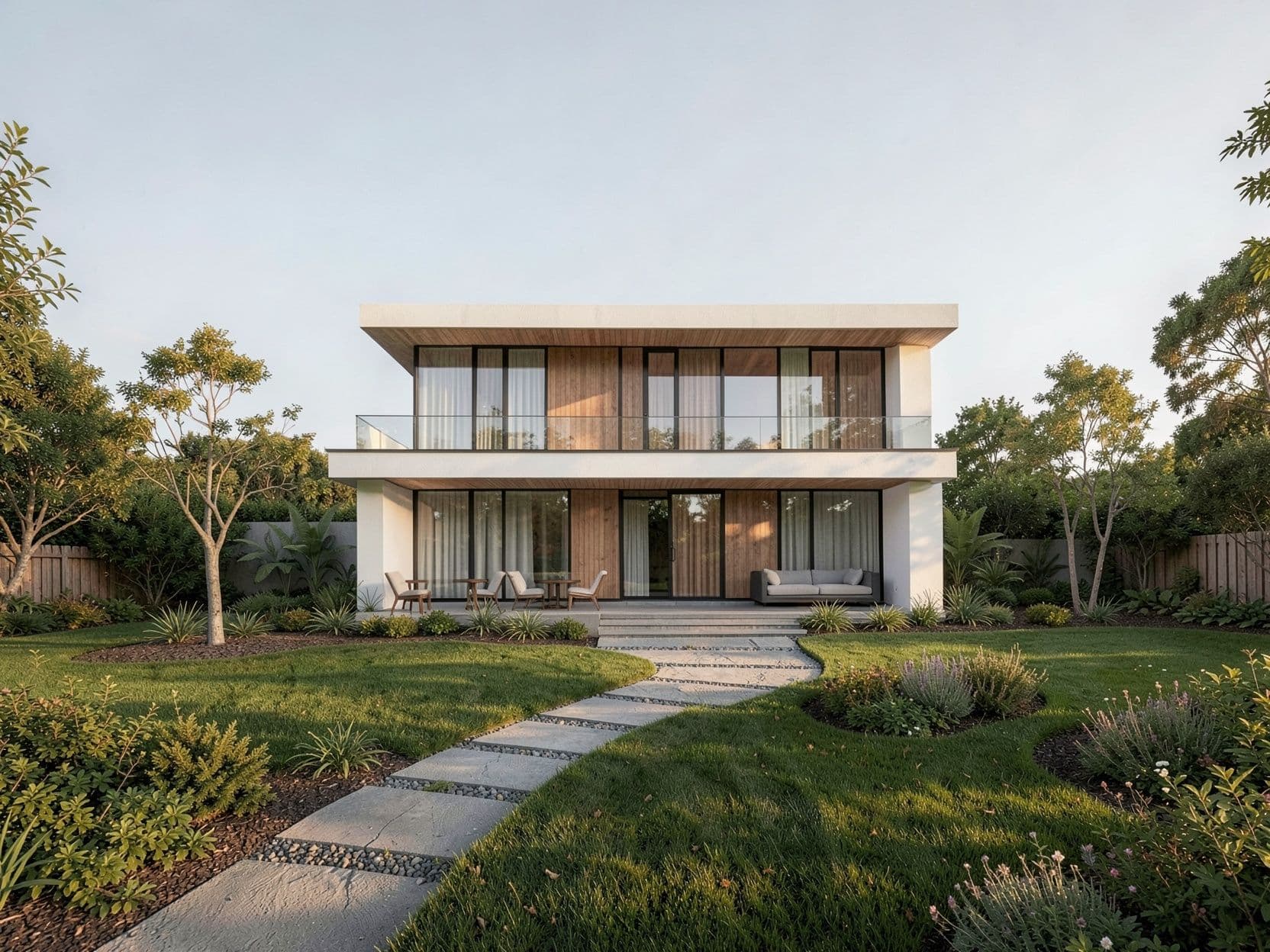
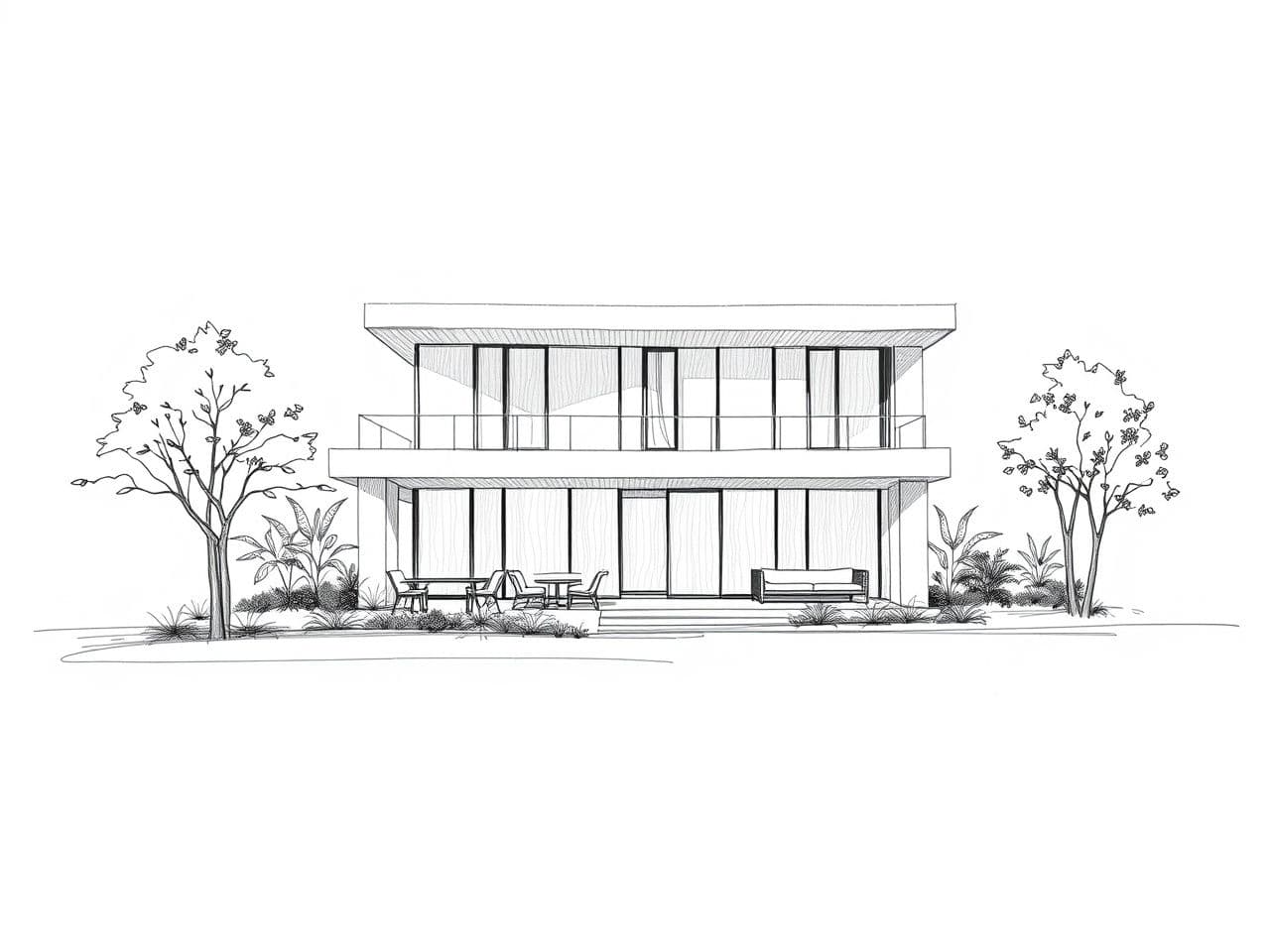
A concept sketch of a villa, rendered with dusk light — composition preserved.
Try it on your own sketch
Upload a drawing and describe the result you want. First render is free — no card, no install.
Images are AI-generated. By trying the demo you accept our Terms.
Sketch to render — FAQ
Does it keep my composition and perspective?+
Yes. Your sketch drives the structure — the massing, the perspective, the main lines. The AI adds materials, lighting and realism on top; it doesn't reinvent your design.
How rough can the sketch be?+
Even a loose concept works. Cleaner linework gives a more faithful result, but you don't need a finished technical drawing — a clear hand sketch is enough.
Interior and exterior?+
Both. Interior rooms, building exteriors, streetscapes — as long as the sketch reads, you can render it and iterate on the mood.
Do I need V-Ray, Lumion or 3D skills?+
No. There's nothing to model and no render engine to learn. You upload a drawing and describe the result in plain language, in the browser.
How does this compare to a visualization studio?+
A studio render is precise and slow (days, hundreds of euros). This is fast and iterative (seconds, cents) — ideal for concept, options and client communication, where speed matters more than construction-grade precision.
Render your first sketch free
10 free renders when you sign up. Concept to image in seconds.