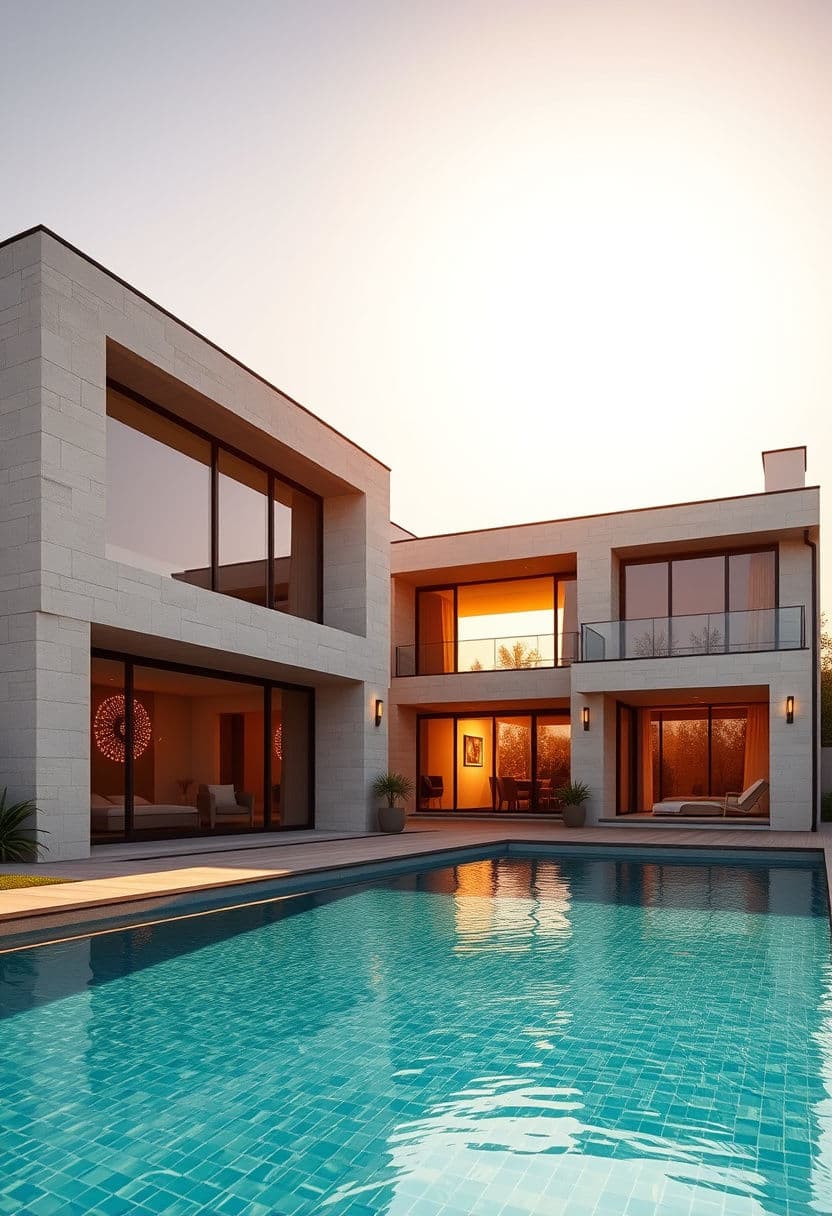
Photorealistic renders, as easy as a chat
- Renders in about 30 seconds
- Edit by describing the change
- No 3D skills needed
- Works in your browser
Before / After
From your working files to photorealism
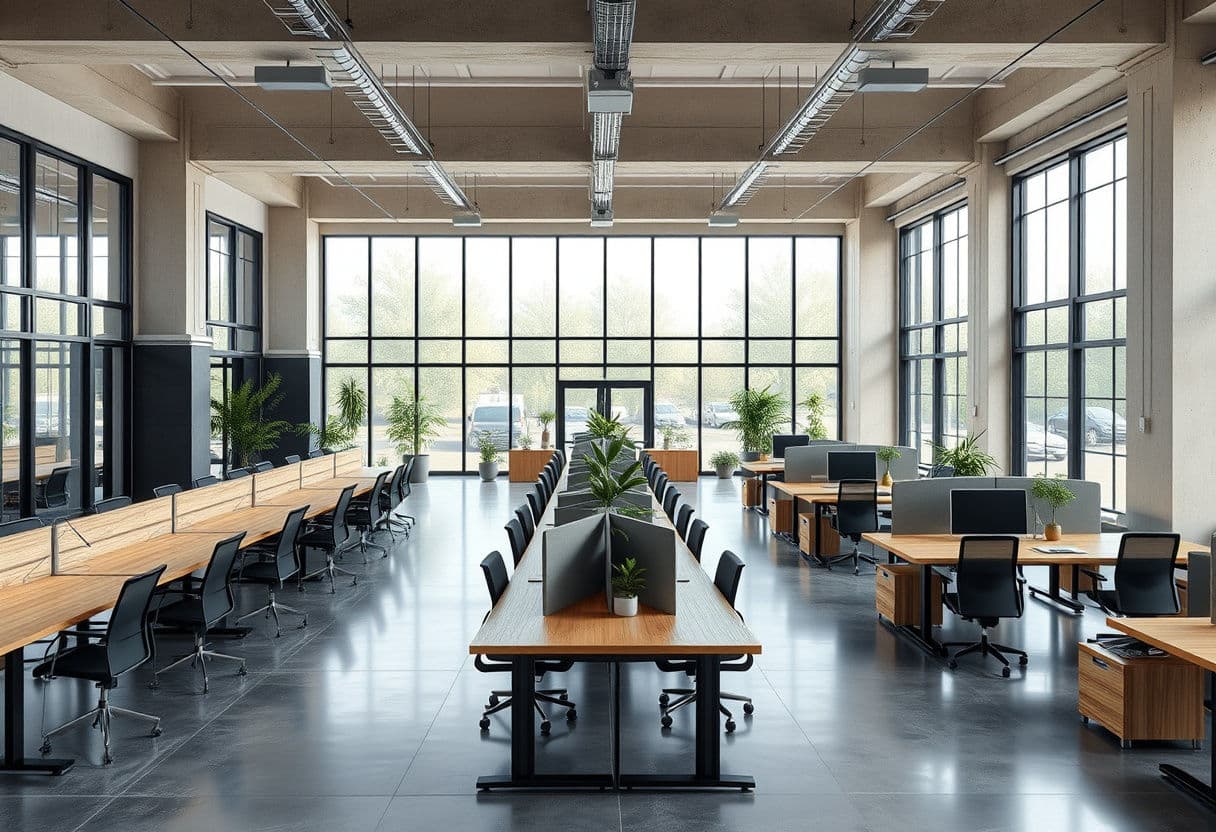
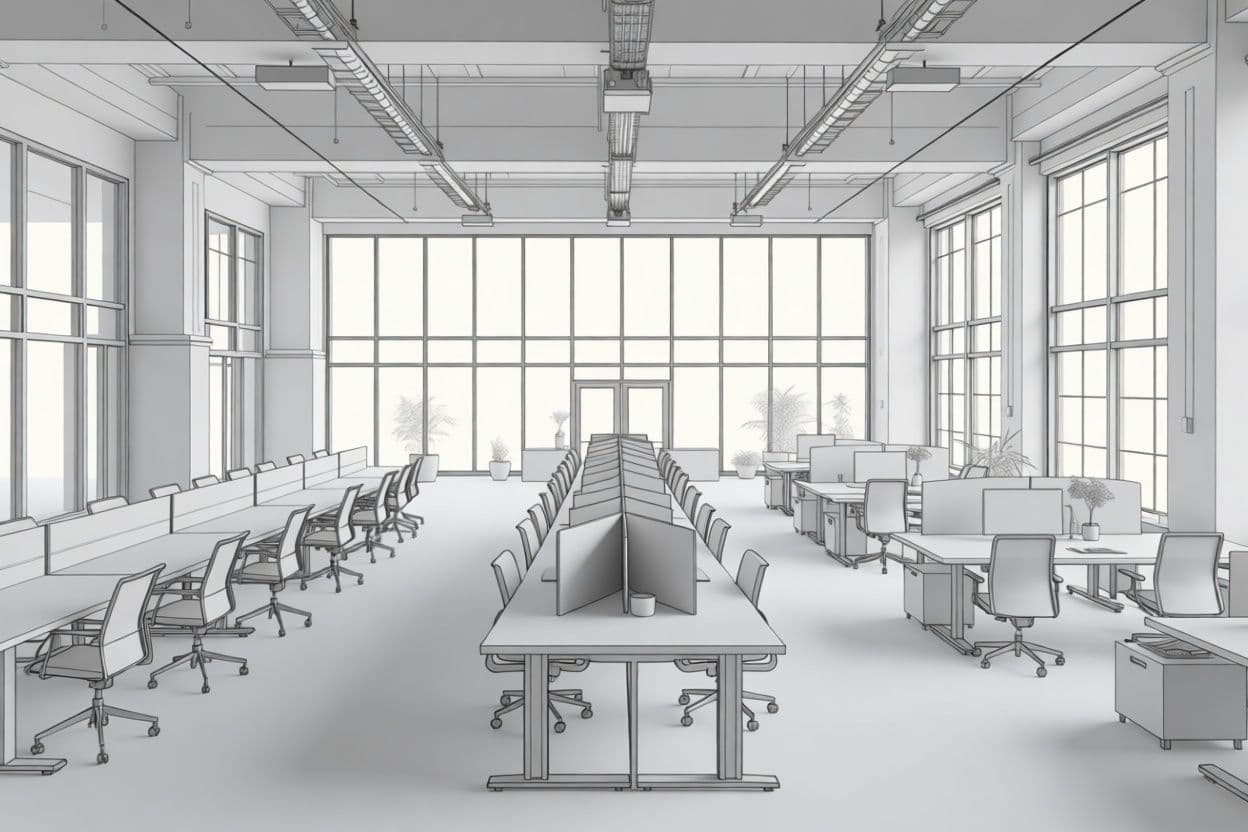
From your SketchUp / CAD model
Try it right now
One free render, no signup. Upload a sketch or a photo of a space — or just describe one.
Images are AI-generated. By trying the demo you accept our Terms.
How it works
From idea to render in three steps
Upload a sketch or a photo, describe what you want in plain words, and get architecture-grade renders in seconds. Change materials and objects, upscale up to 8K, turn stills into videos — all in one conversation.
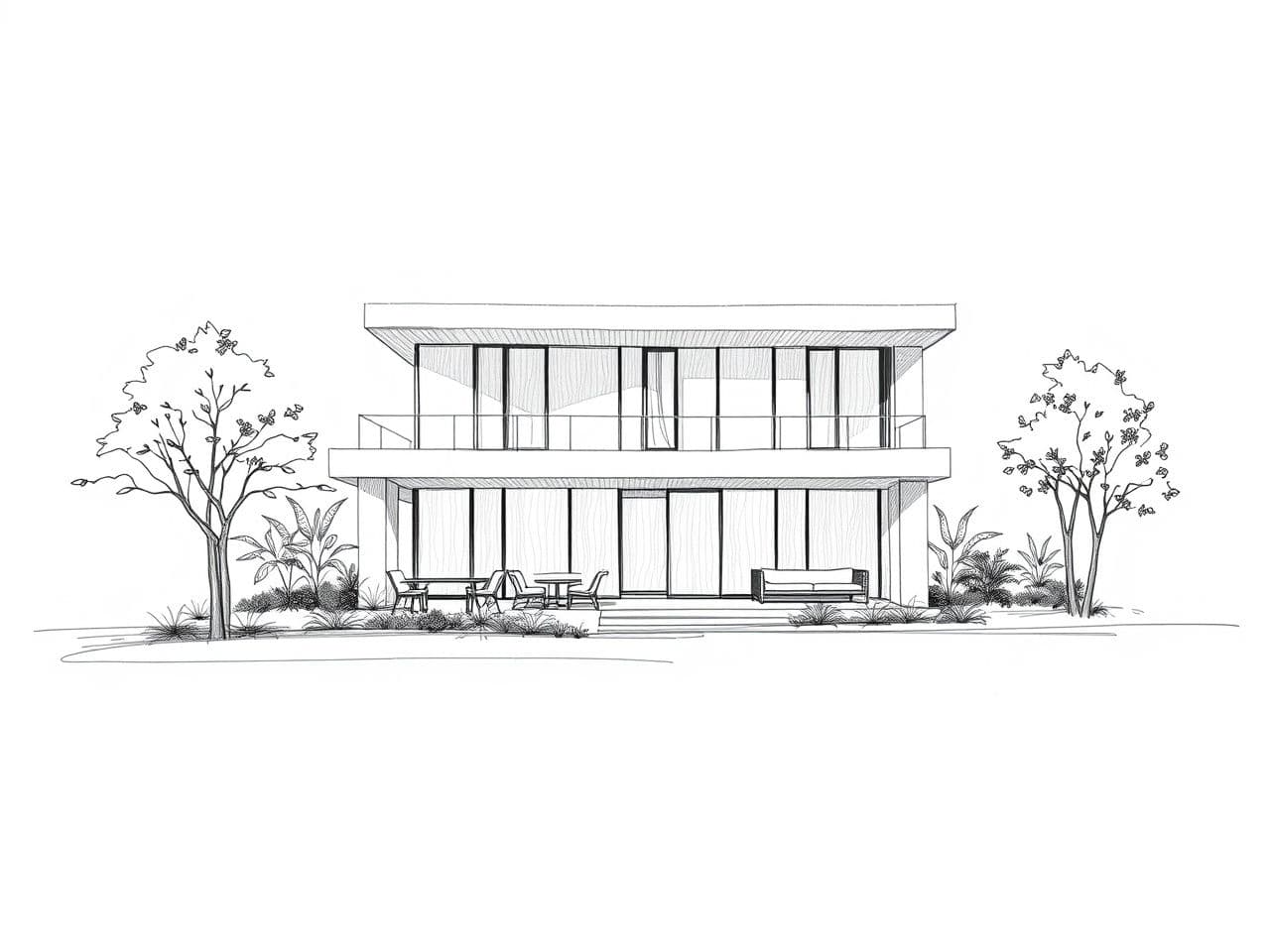
Upload
Drop in a sketch, a CAD export or a simple photo of the space.
Describe
Write what you want in your own words: “Scandinavian style, warm light, oak floor”.
Iterate
Every result becomes the base for the next change. Refine until it's exactly right, then export up to 8K.
Before / After
Real results, straight from the platform
Every image below was generated with MakeMyRender. Drag the slider to compare before and after.
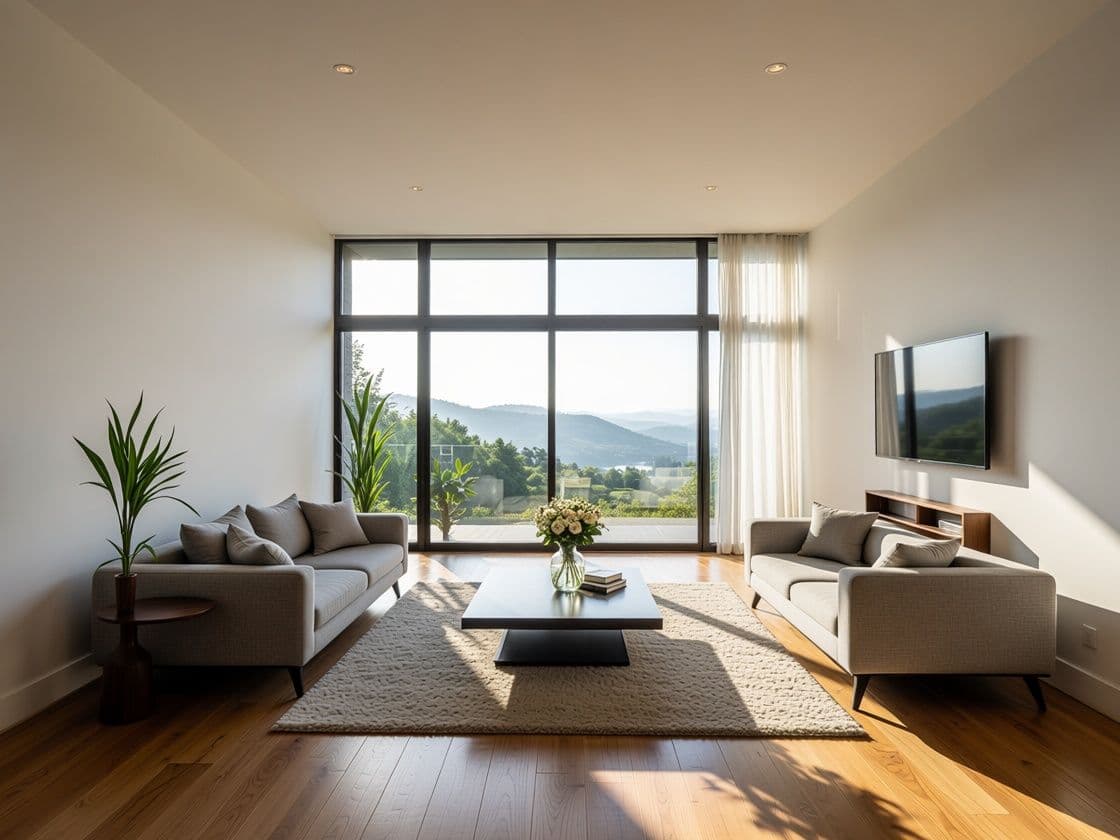
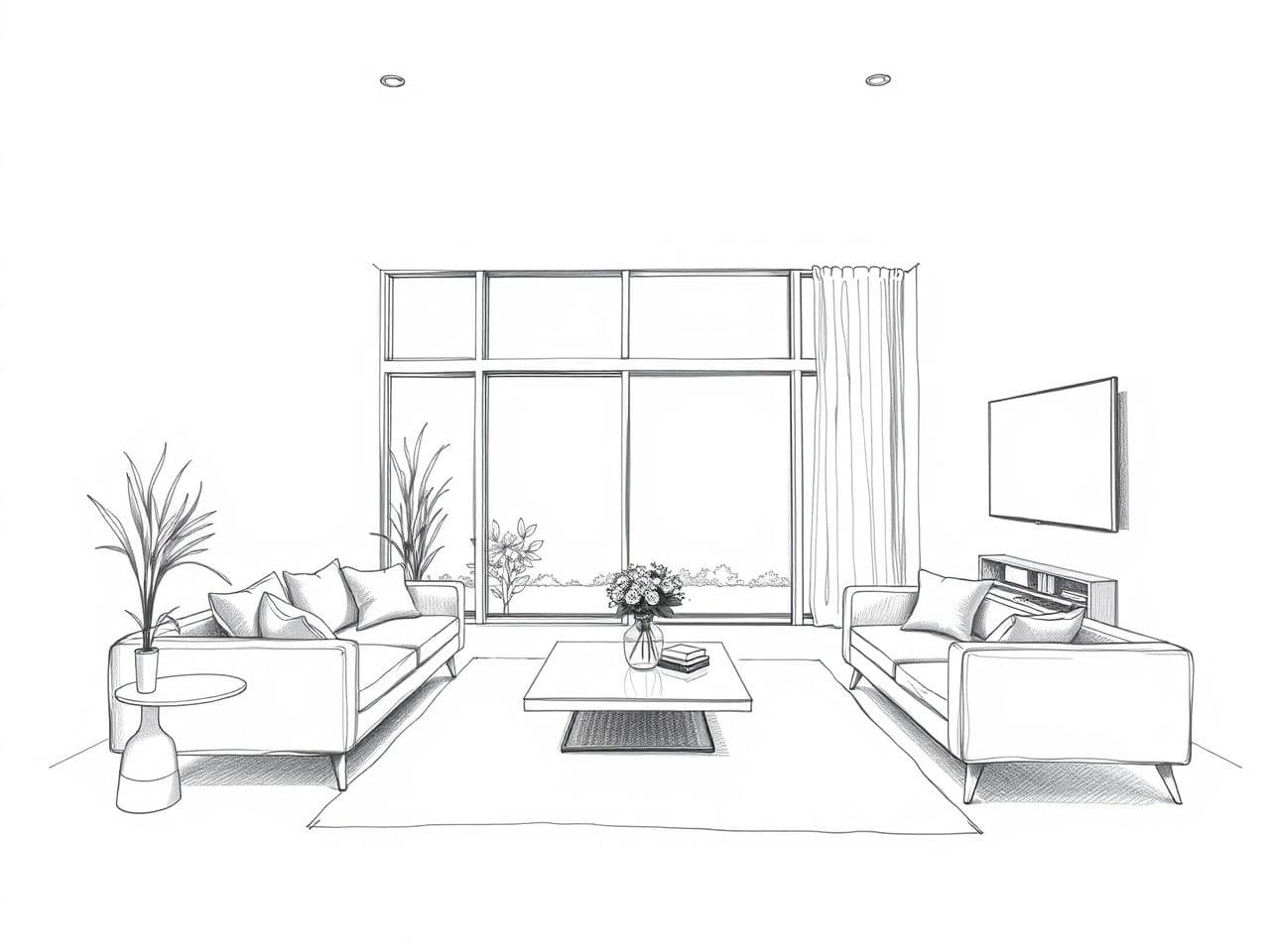
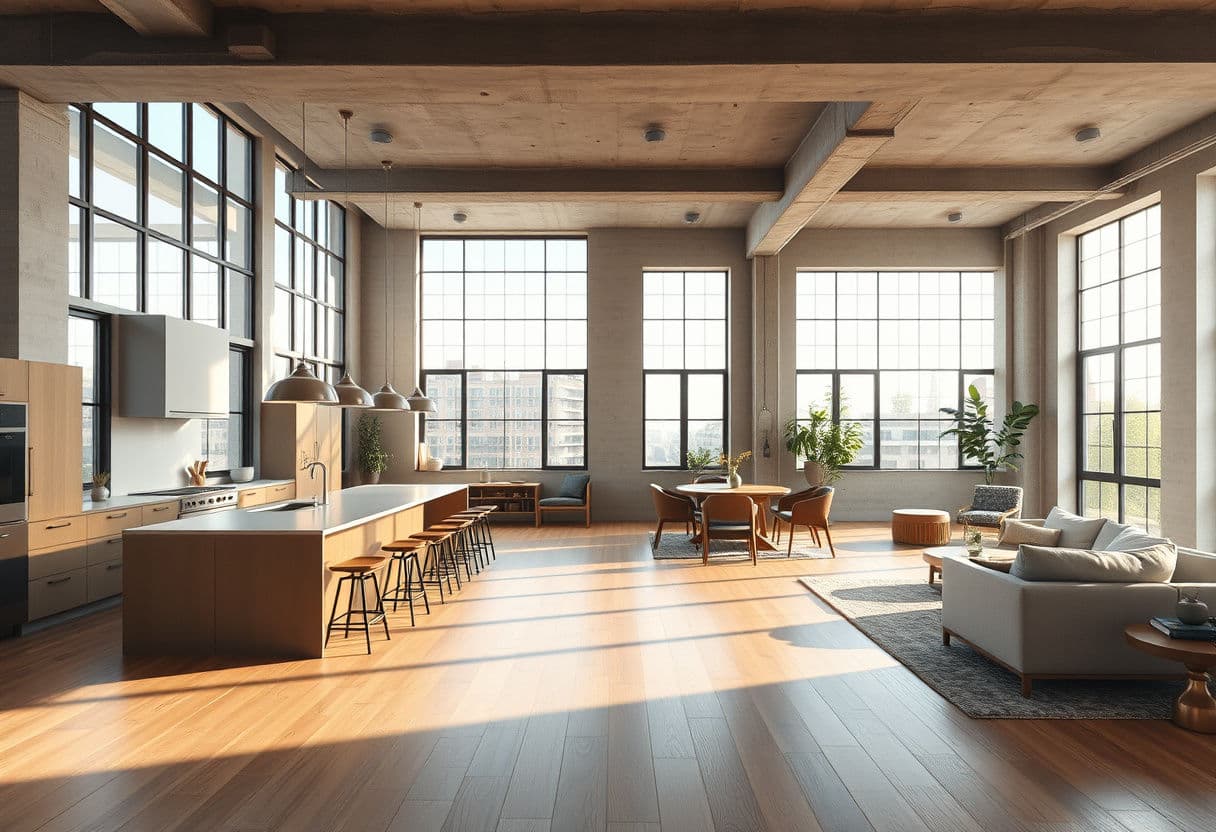
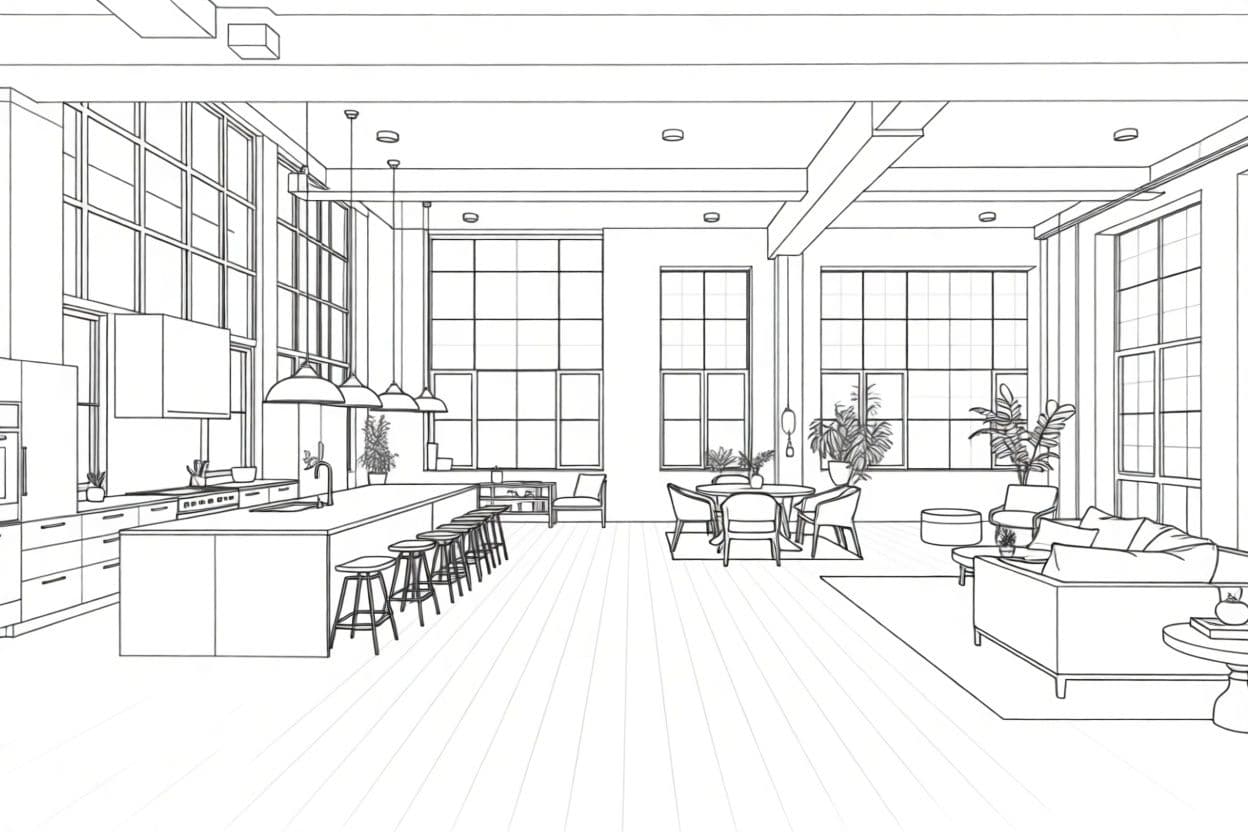
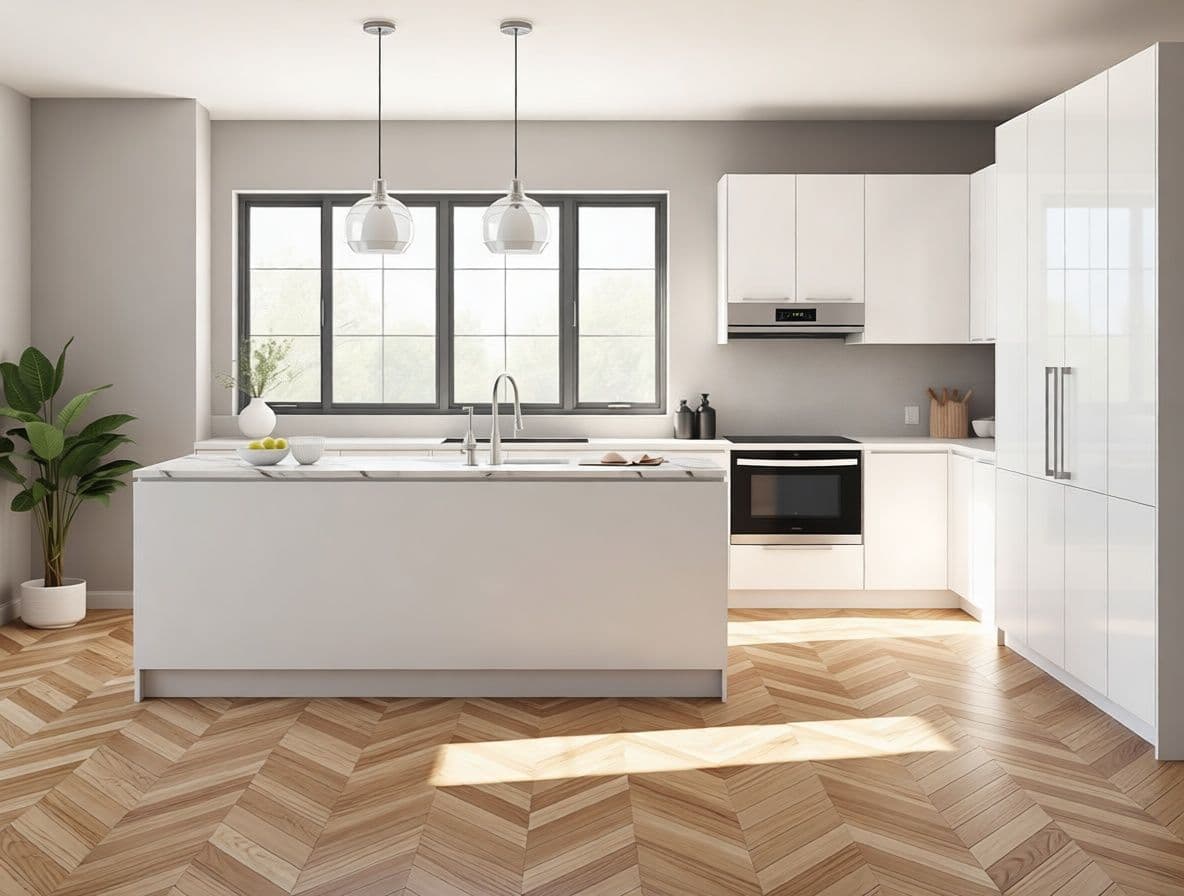
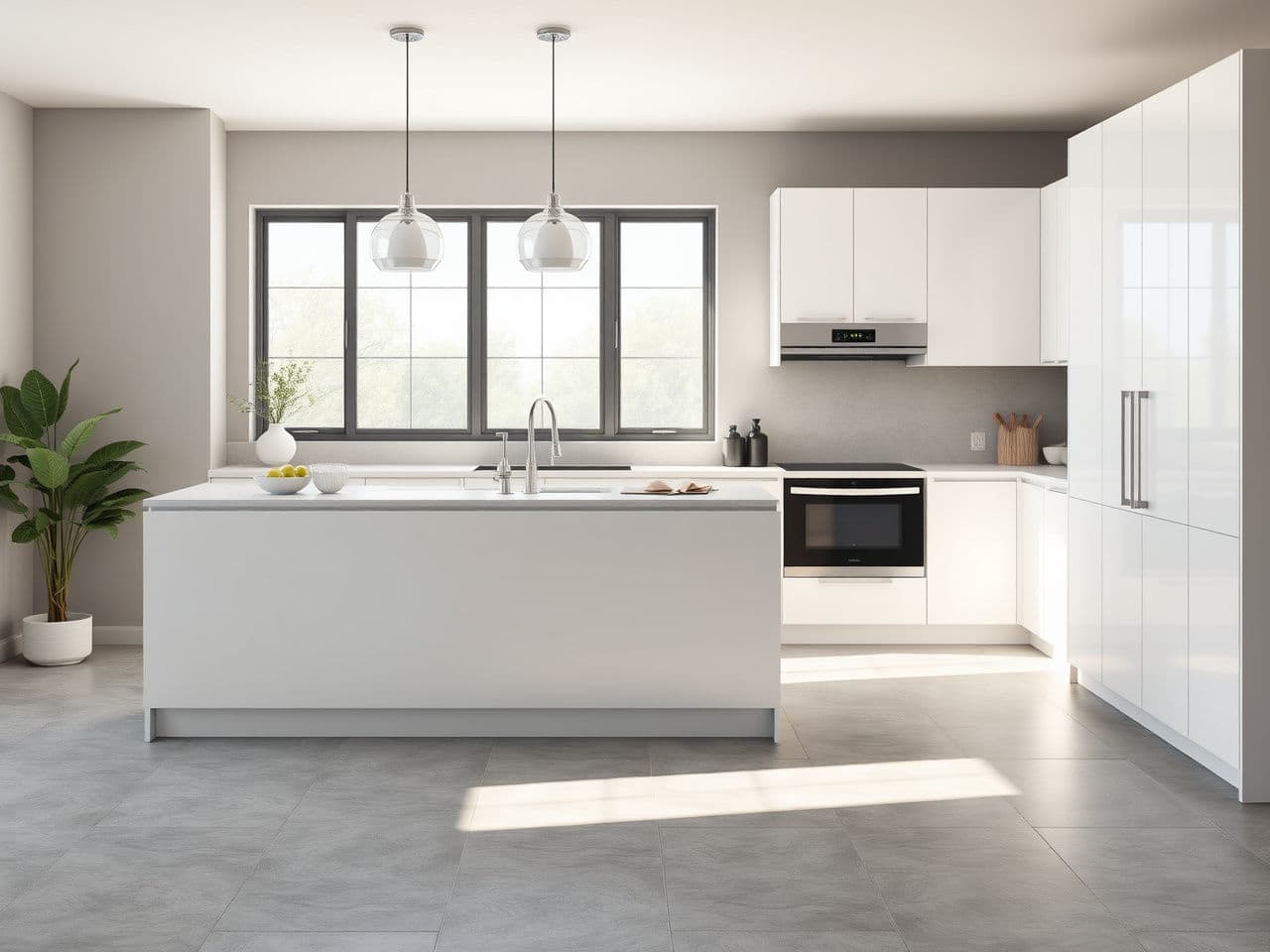
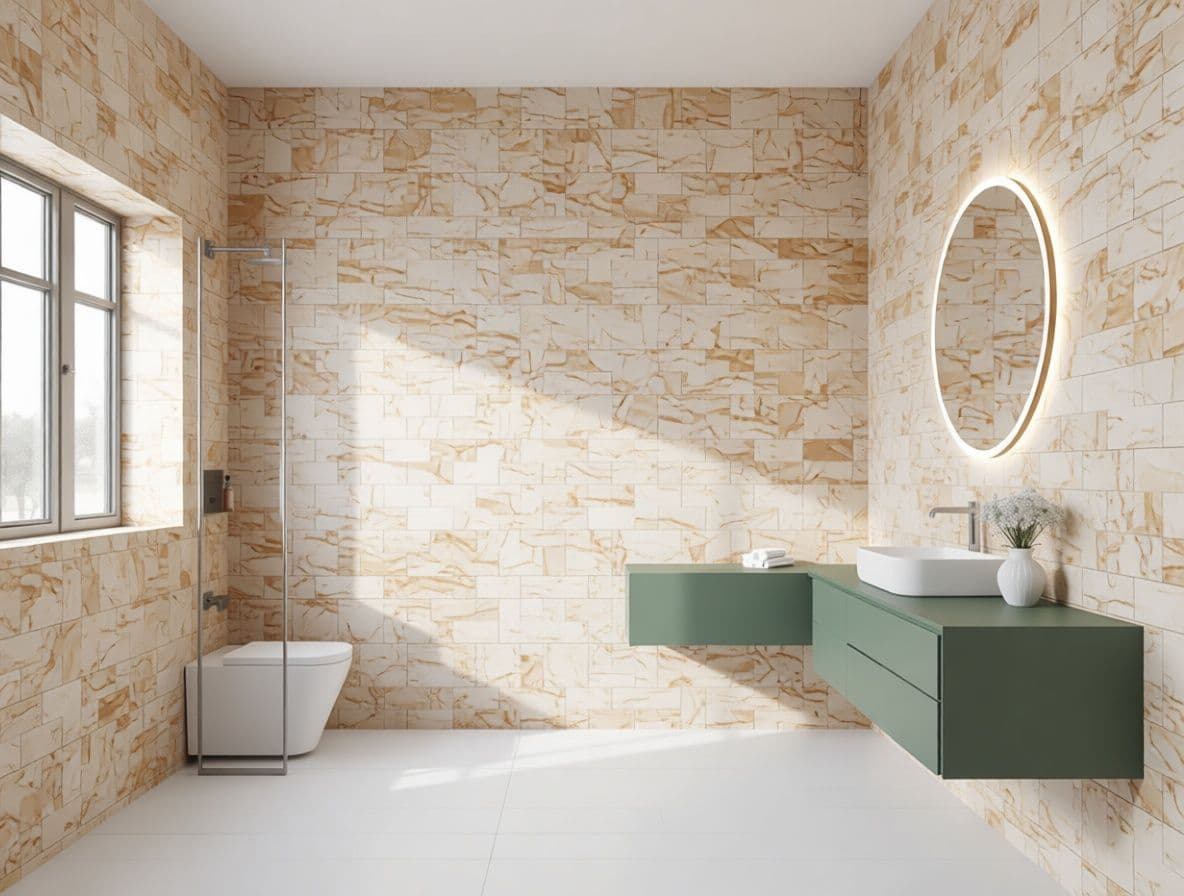
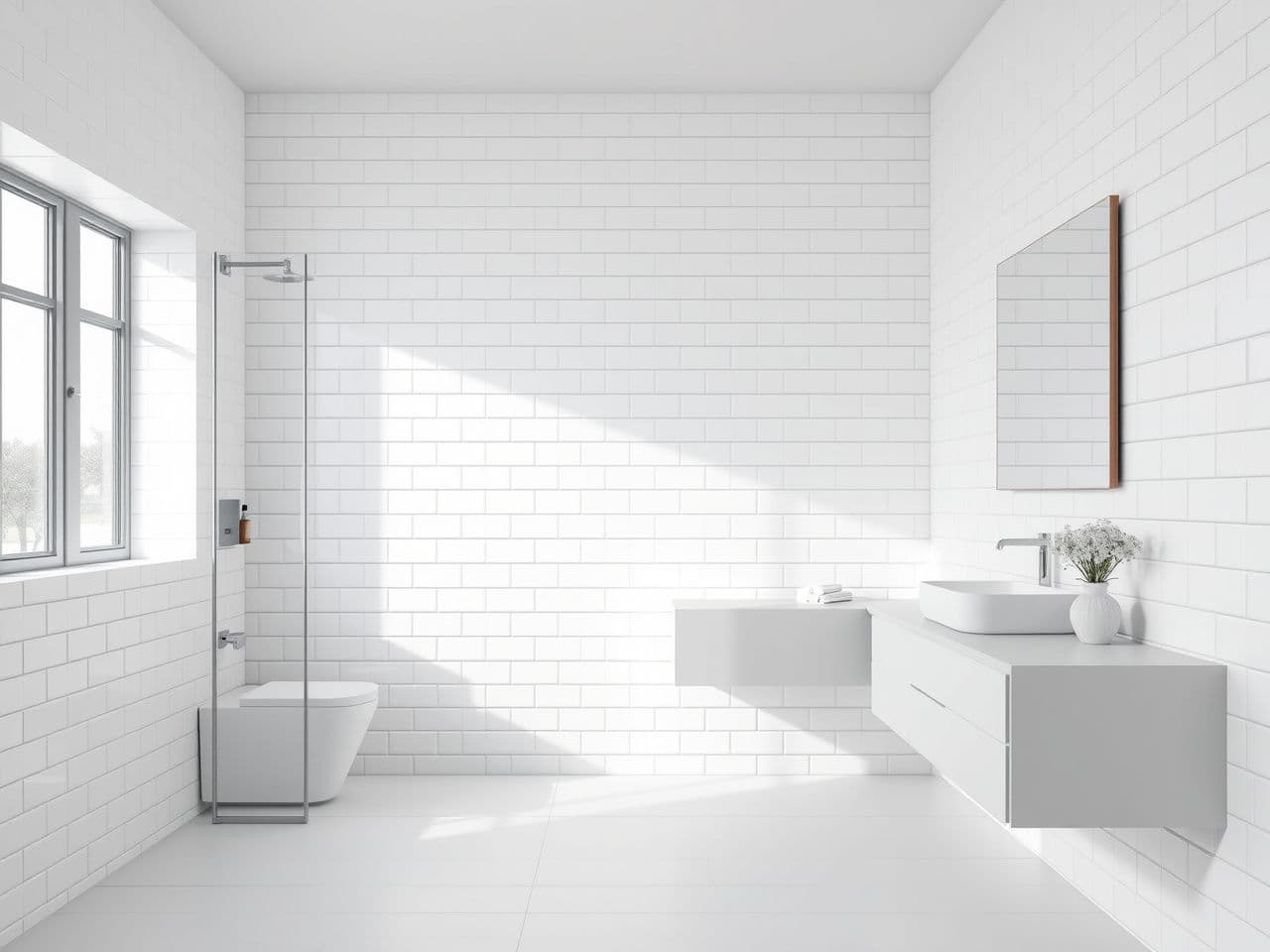
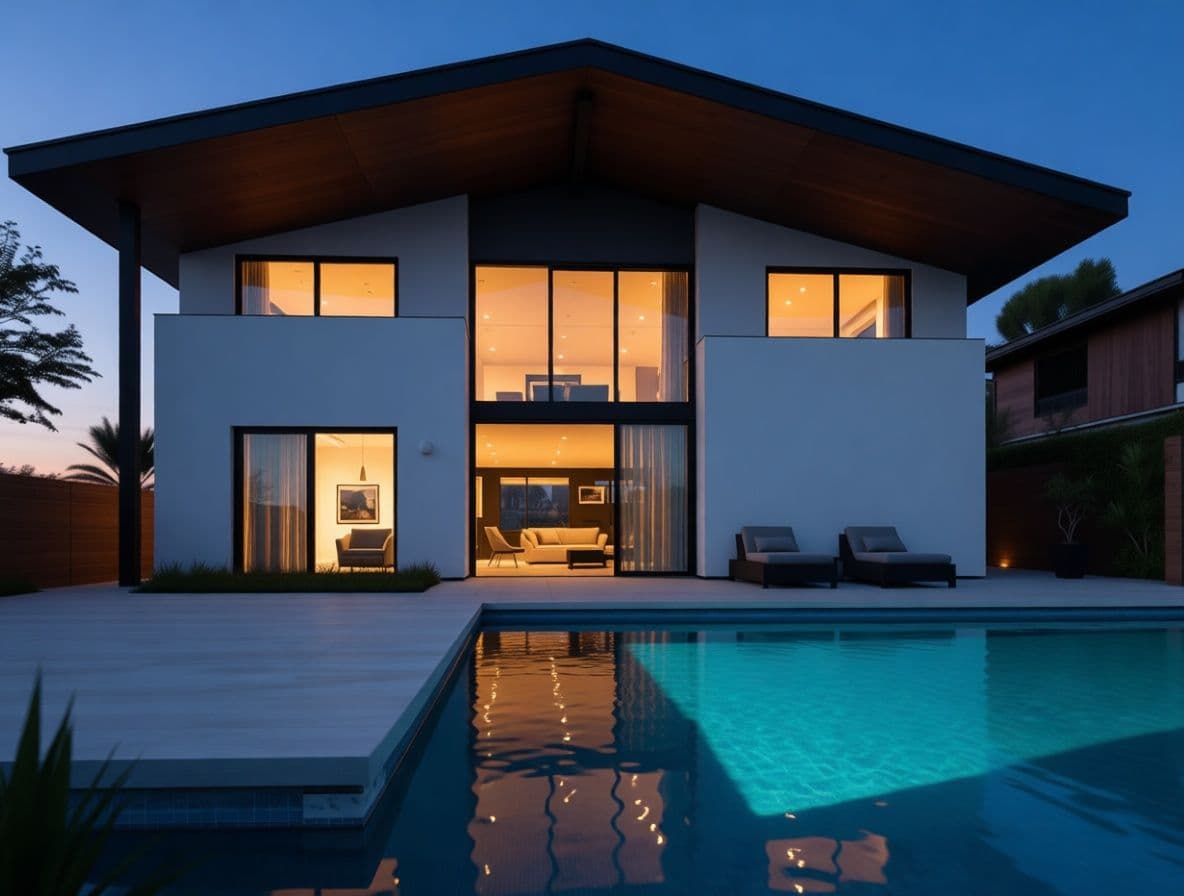
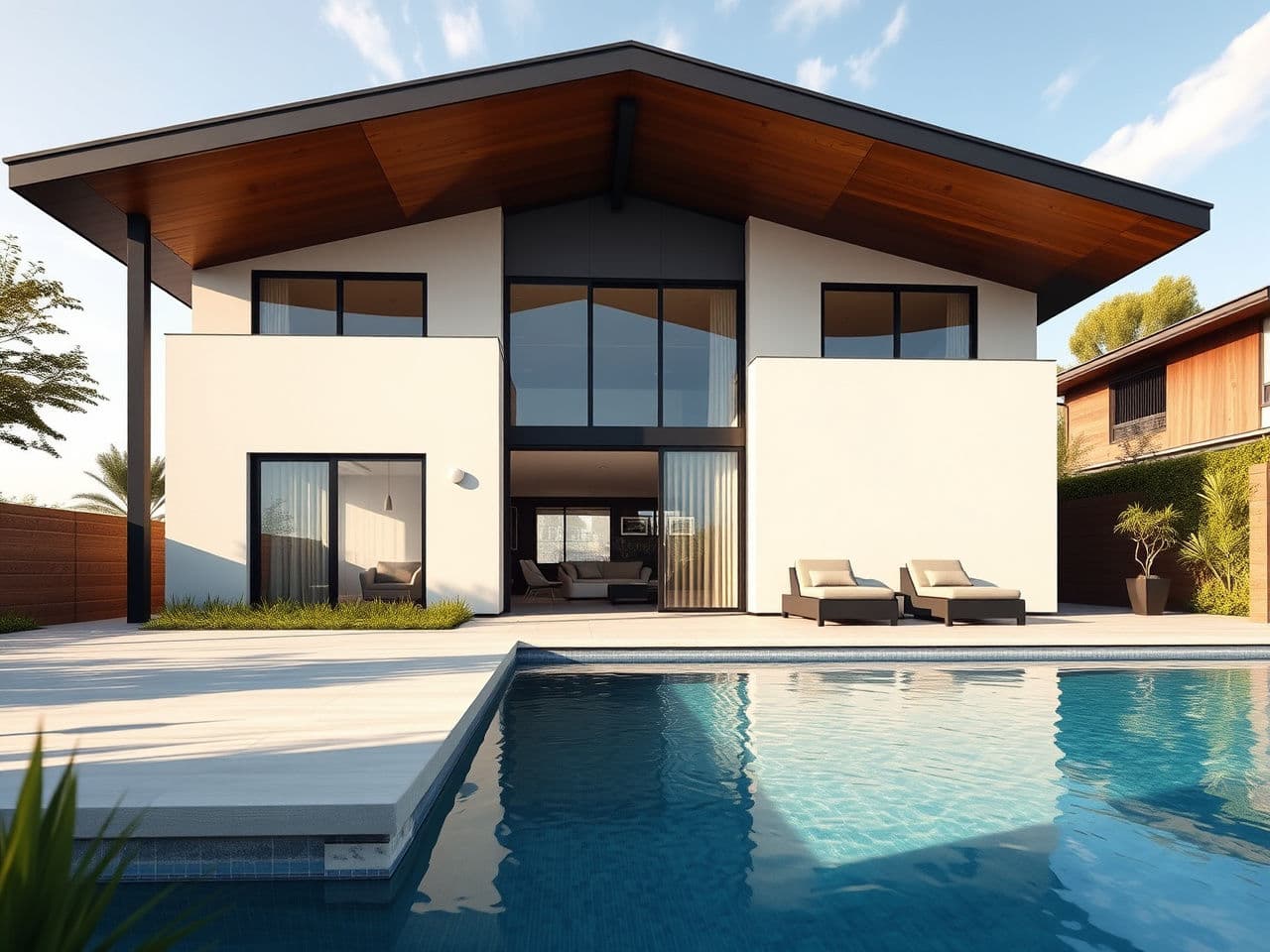
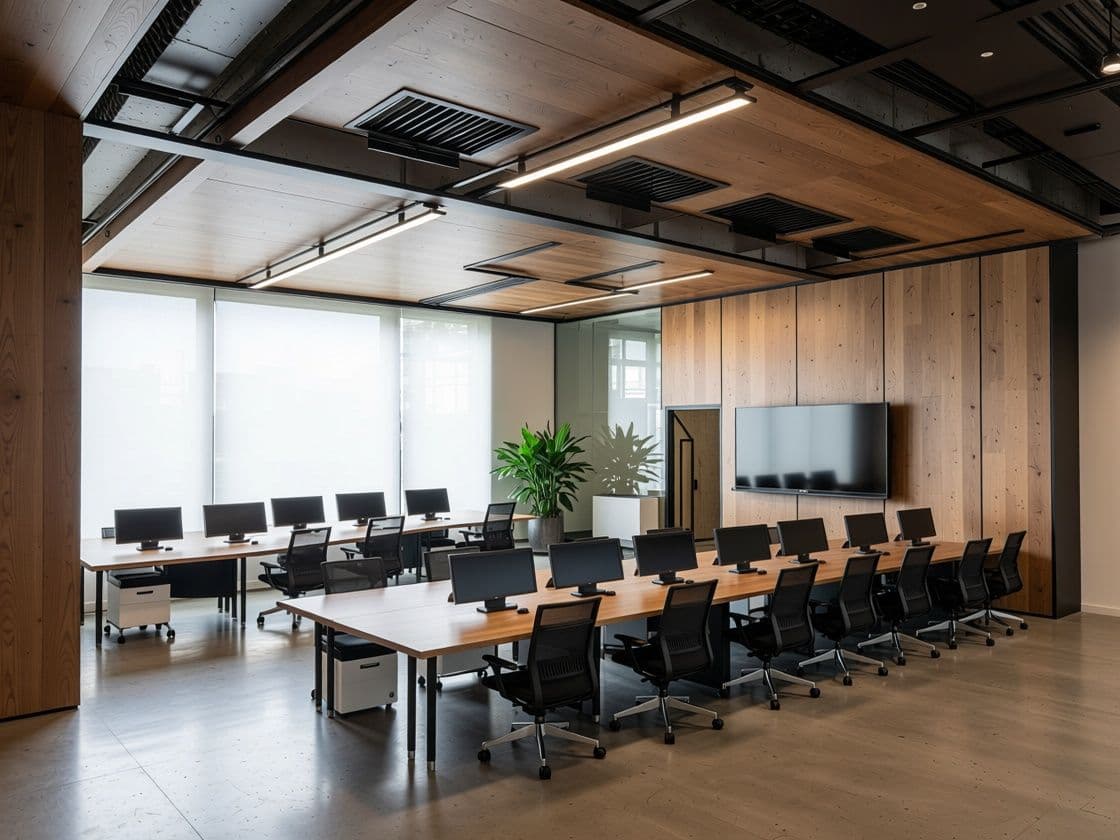
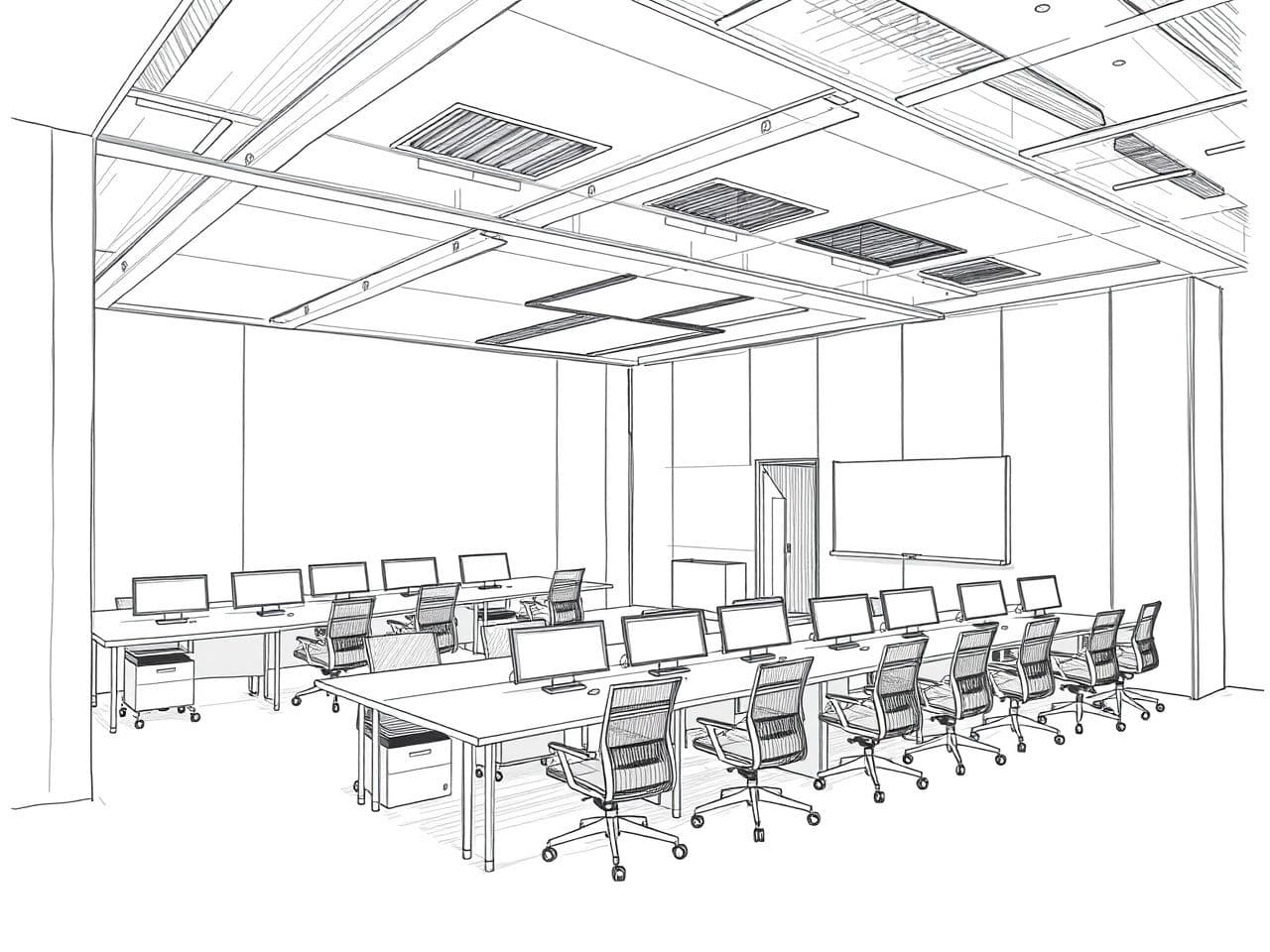
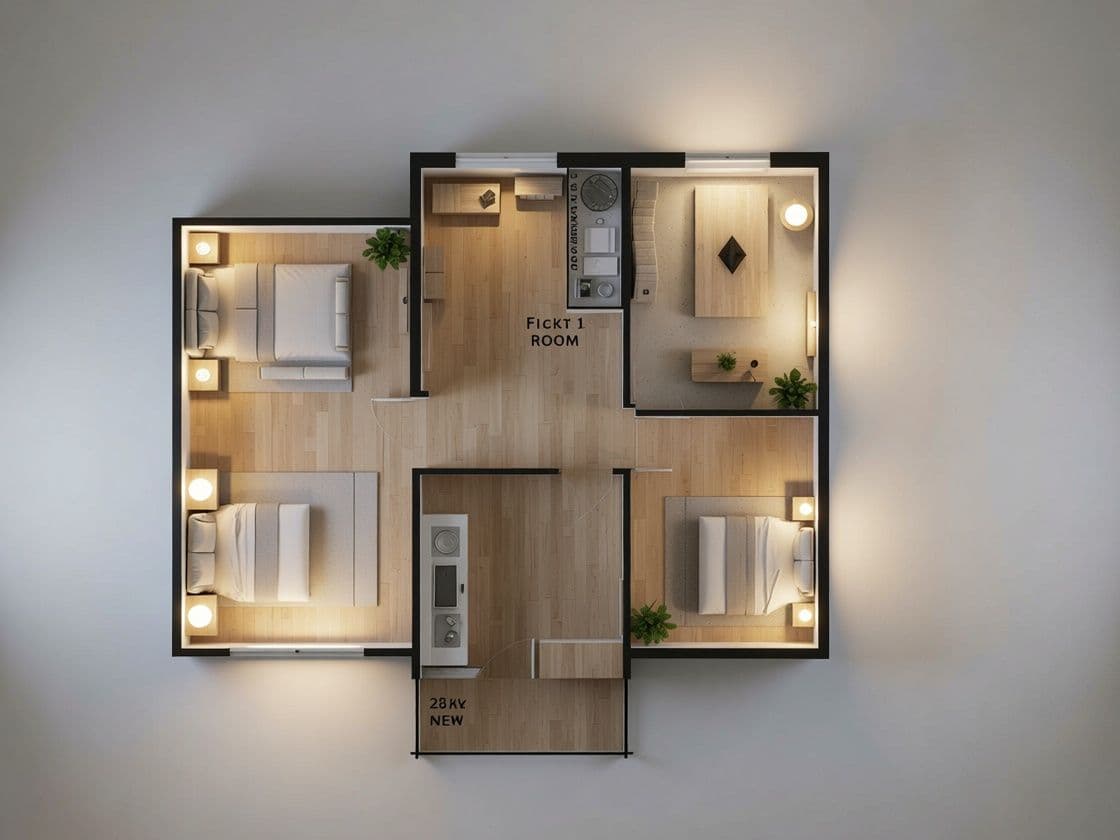
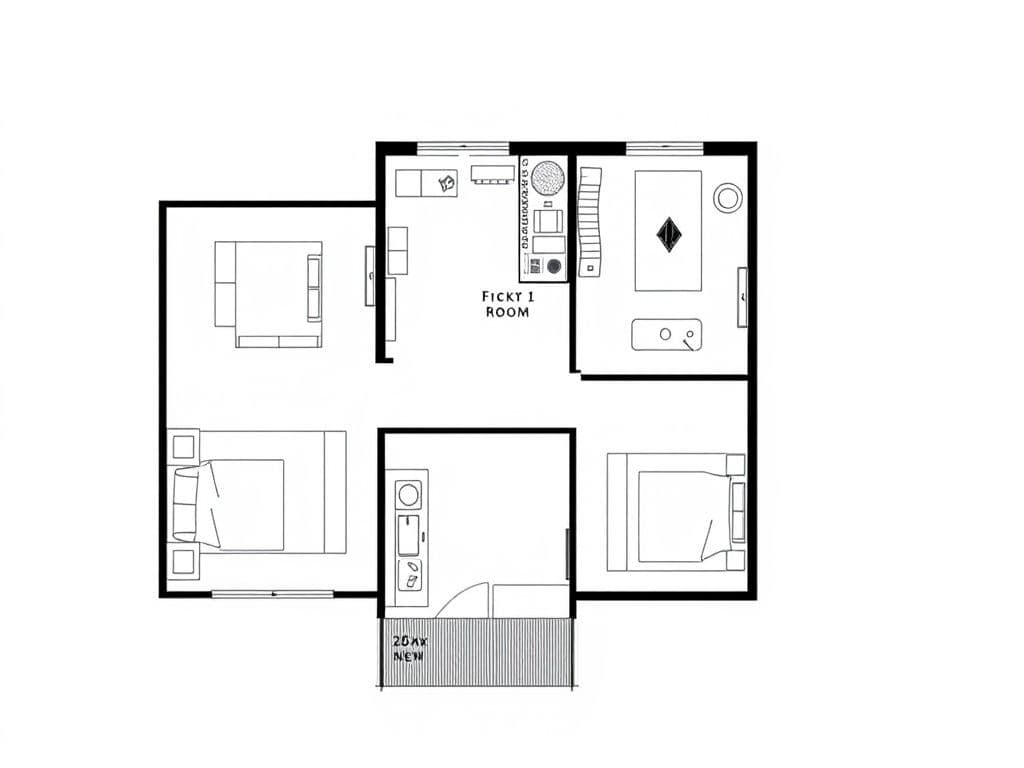
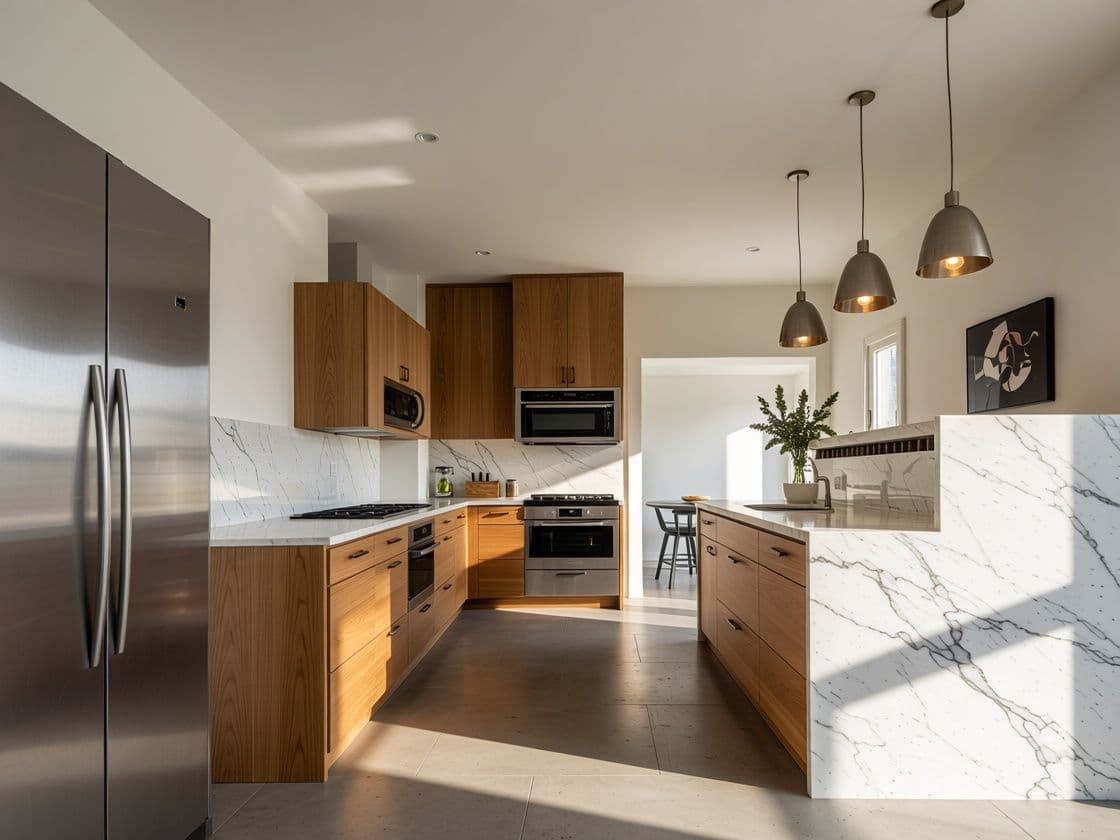
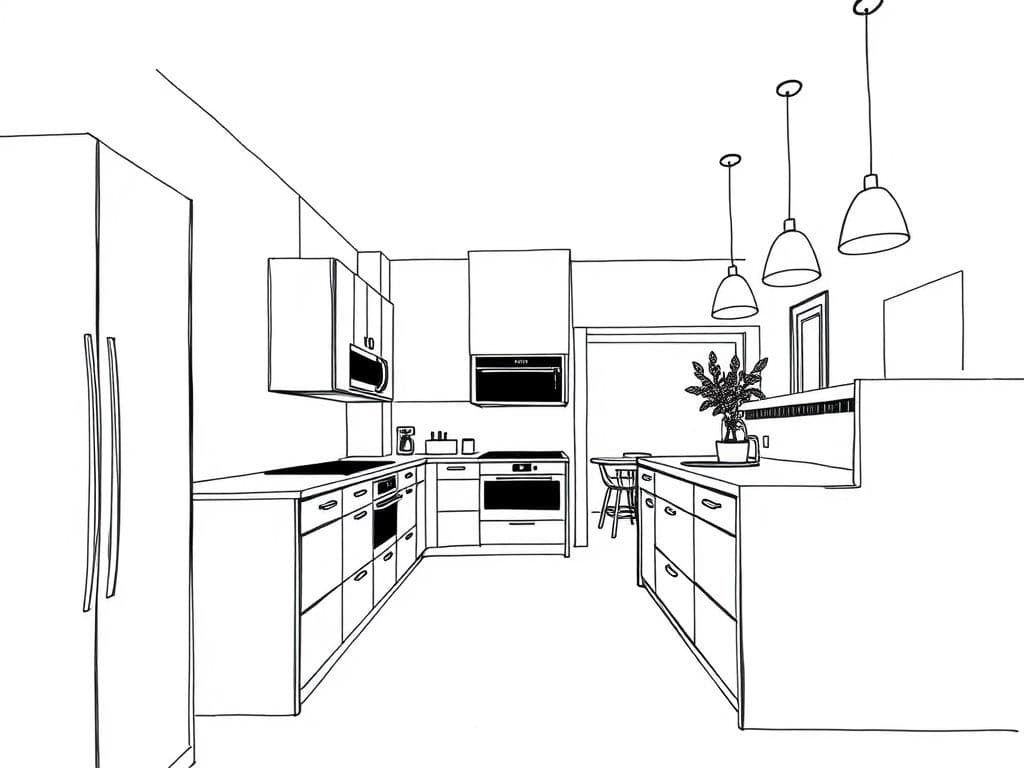
From still render to video
One click turns any render into a short cinematic clip.
Features
Everything a design studio needs
One conversational workflow, professional-grade output.
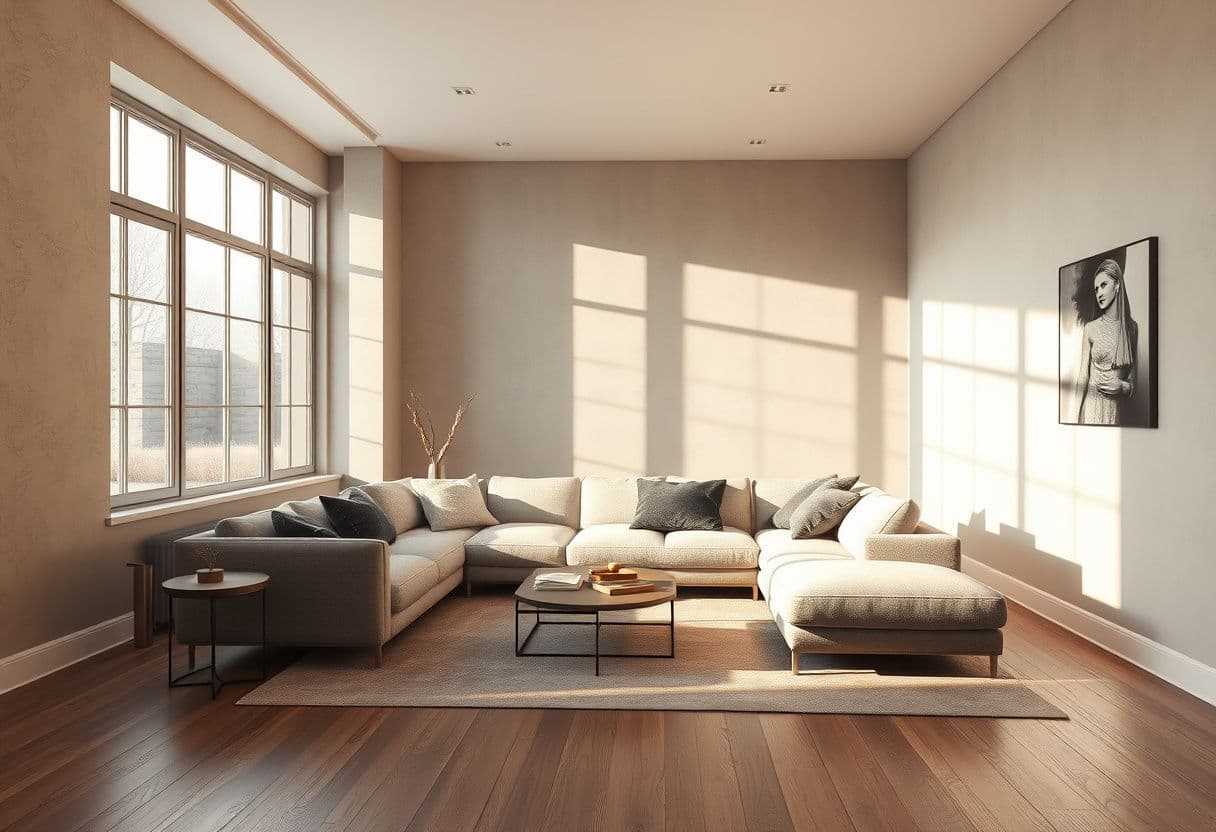
Conversational editing
No panels, no parameters. Chat with your project like you would with a colleague — the AI picks the right tool for every request.
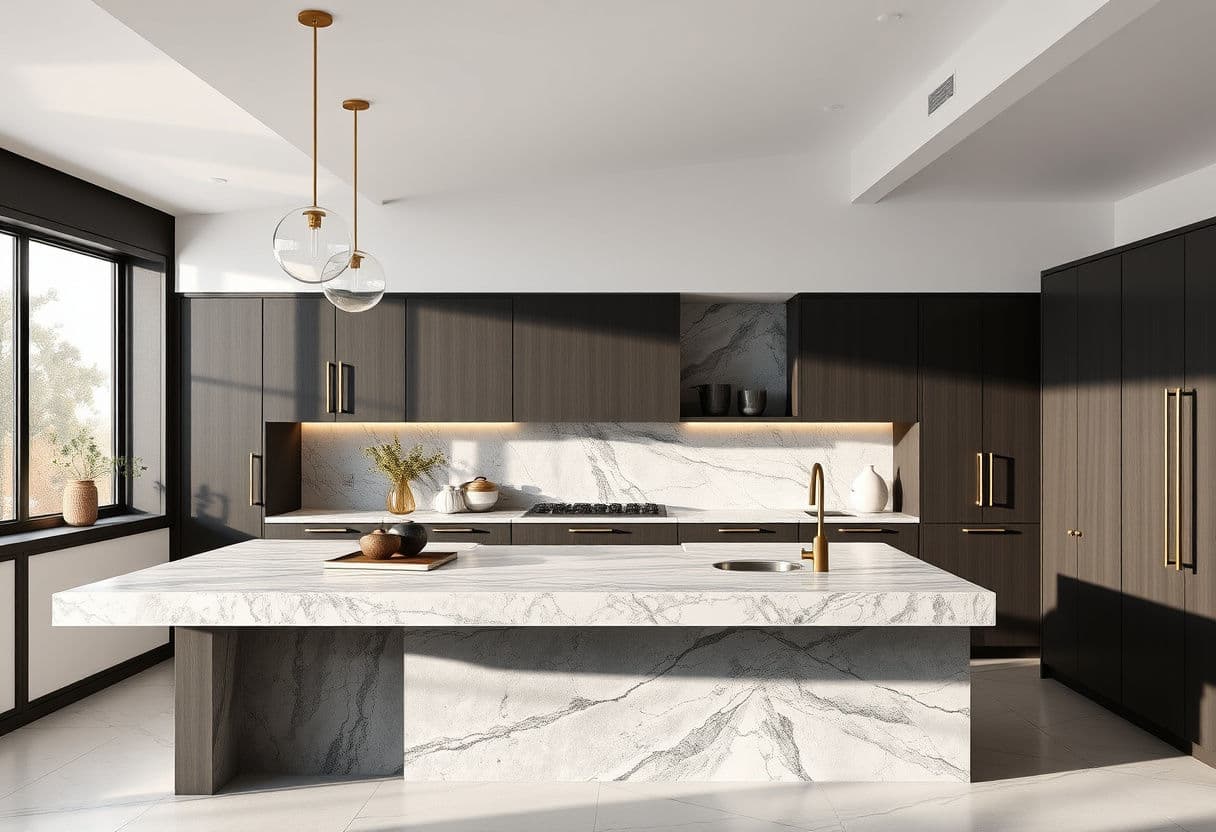
Precise Materials & Objects swaps
Select any surface with brush or polygon tools and swap materials from a text prompt or a reference photo — or replace an entire object, like a washbasin, with one from a photo. The rest of the image stays untouched.
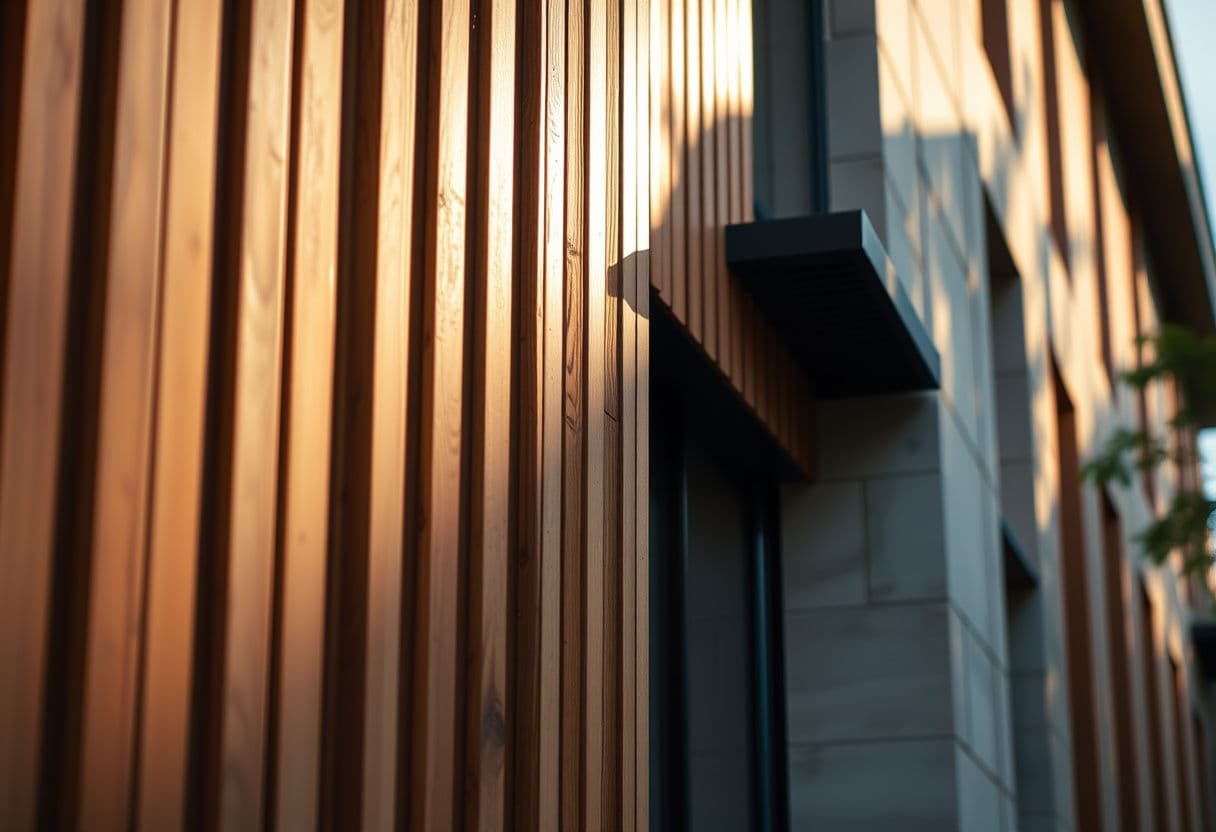
Upscaling up to 8K
Export print-ready images up to 8K — the resolution of professional rendering studios, and few tools reach it.
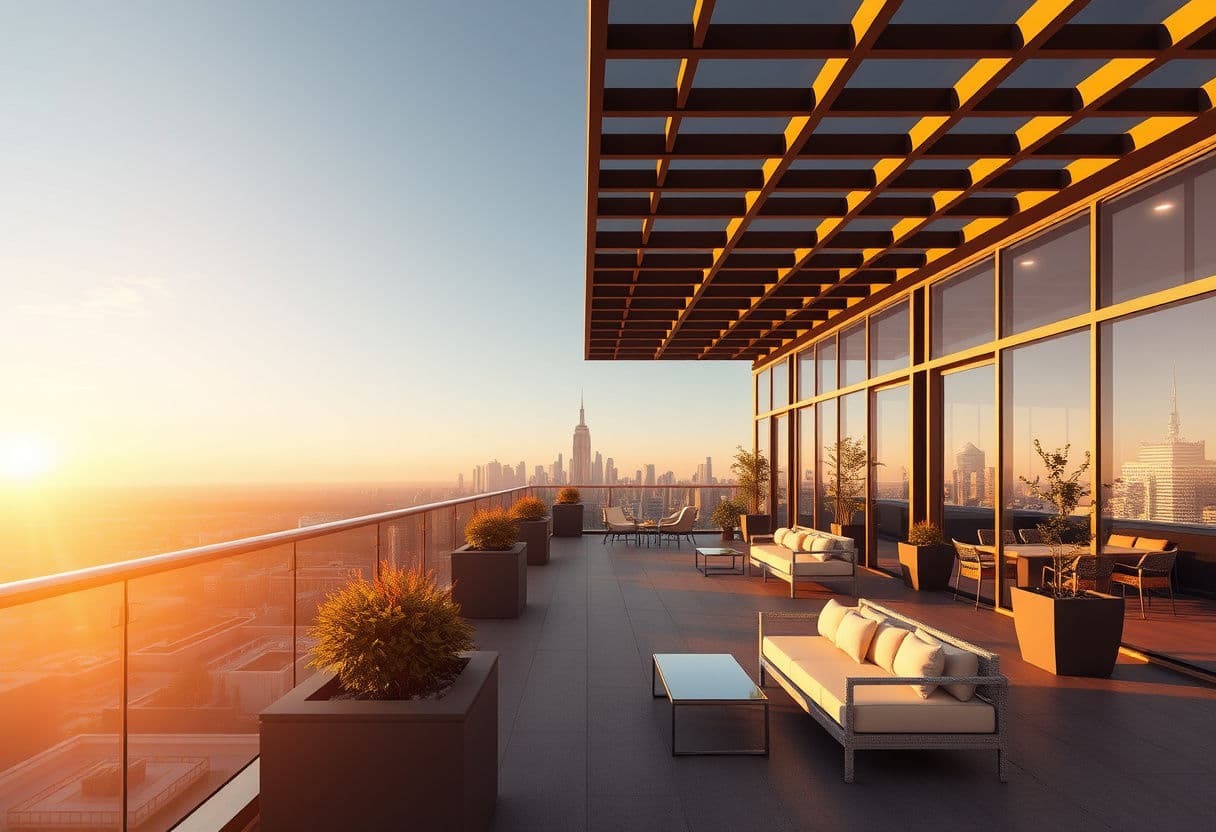
Image to video
Turn any render into a short cinematic clip with camera movement — perfect for social media and client presentations.
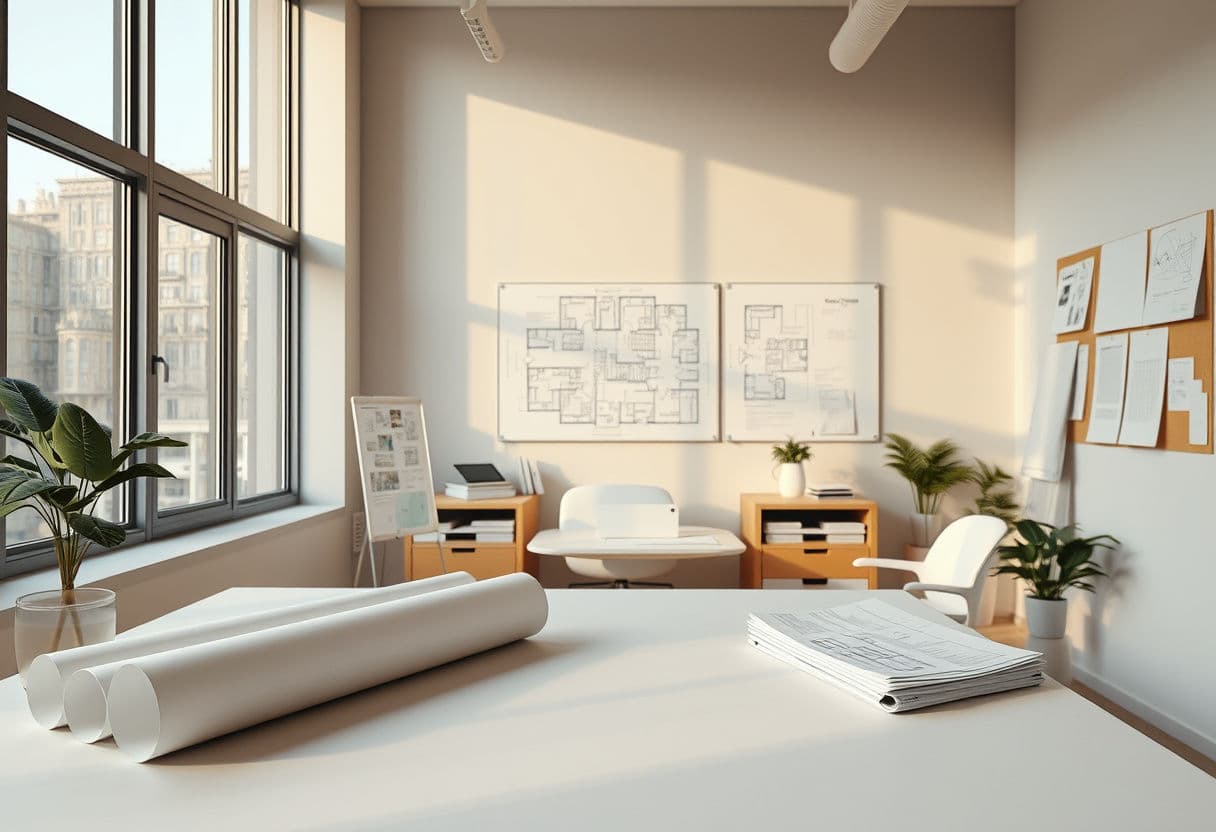
Projects & history
Every generation is saved and organized by project. Go back to any step and branch from there.
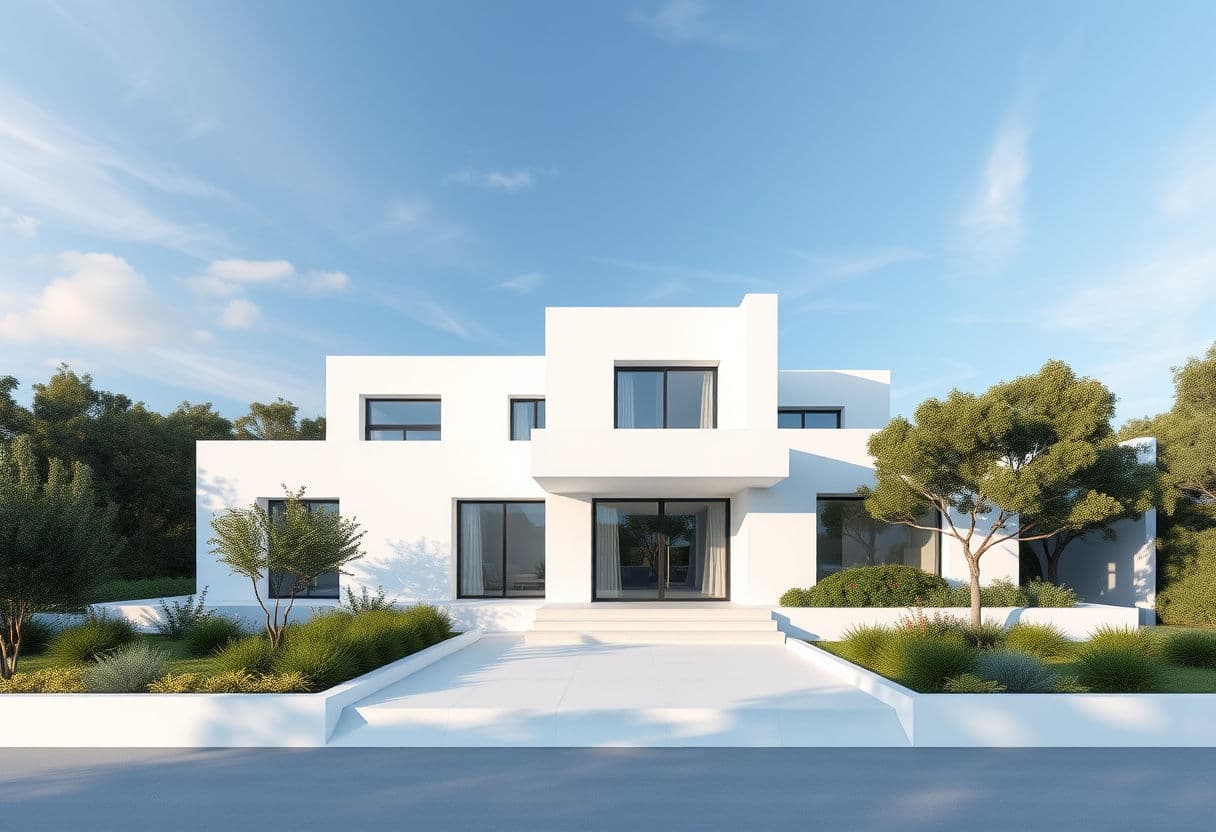
Interior & exterior
Interiors, facades, gardens: dedicated rendering pipelines for every kind of scene.
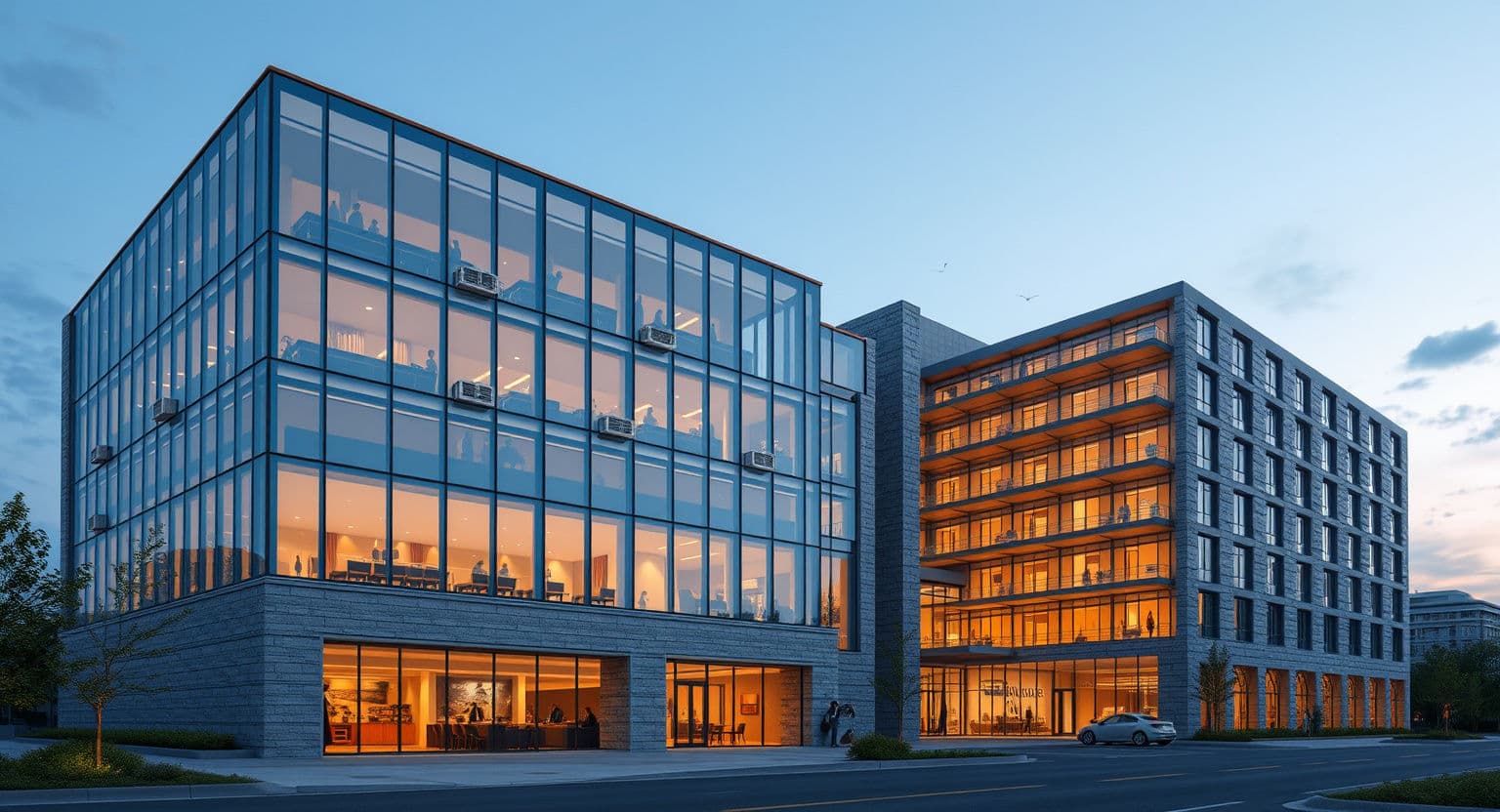
Your brand, our engine
MakeMyRender is also available as a white-label platform: your logo, your domain, your prices — running on our rendering infrastructure.
- Full branding: name, colors, logo and domain are yours
- Credit system with your margins, billing included
- Launch in days, not months — we handle the AI stack
Built for professionals, built on trust
Your work stays yours
Full commercial ownership of every upload and every render. No hidden license grabs.
Never used for AI training
Your images are never used to train AI models. Processing providers keep them only for a limited time, to prevent abuse.
GDPR compliant
EU-first privacy: data minimization, clear consent, and account deletion that actually deletes.
AI Act transparency
AI-generated content is clearly disclosed, in line with the EU AI Act.
Simple, transparent pricing
Start small, scale as you grow. One credit is one render or edit.
Starter
For independent designers exploring AI rendering
- 200 credits per month
- All rendering and editing tools
- Conversational editor
- Project history and archive
Pro
For professionals with steady client work
- 600 credits per month
- Everything in Starter
- 4K/8K export and video generation
- Priority rendering queue
Studio
For studios that render every week
- 1,200 credits per month
- Everything in Pro
- Best credit rate of all plans
- Priority queue and dedicated support
Launch pricing — early subscribers keep this rate forever. No card required to try the demo.
No subscription? Buy credits when you need them
One-time packs, valid 12 months. Perfect for occasional projects.
Trial
€12
50 credits
Standard
€19
100 credits
Pro pack
€39
250 credits
Already subscribed? You can top up anytime from your account (100 credits €13 · 300 credits €33).
Frequently asked questions
Do I need 3D or CAD skills to use MakeMyRender?
No. Upload a sketch, a CAD export or a photo and describe what you want in plain words — the platform routes your request to the right AI tool automatically.
What files can I start from?
Any JPG, PNG or WebP image: hand-drawn sketches, exports from SketchUp, Revit or AutoCAD, and photos of existing spaces.
How long does a render take?
Renders and edits take about 15–30 seconds. Videos take 60–90 seconds.
Who owns the images I generate?
You do. You keep full commercial rights on everything you upload and everything you generate.
What happens to my images?
Your images are never used to train or improve AI models. Our AI processing providers may keep rendering inputs and outputs for a limited time, only to prevent abuse and keep the service secure. Your project archive stays in your account until you delete it.
Is the content labeled as AI-generated?
Yes. In line with EU AI Act transparency rules, we disclose that images and videos are AI-generated, and we recommend keeping that disclosure when you publish them.
Can I offer this under my own brand?
Yes. The Studio plan includes a white-label option: your logo, your domain and your pricing on top of the same rendering engine.
Do unused credits roll over?
Monthly credits reset at each renewal. If you need a custom volume or one-off credit packs, contact us.