AI Interior Design: Change Materials and Furniture in Seconds
19 July 2026 · 6 min read
Presenting interior options used to mean modeling each variant or sending the job to a visualizer. AI interior design collapses that into a conversation: upload a photo of the space, describe the change, and see it in seconds. Here is how designers are using it to win projects.
Swapping materials without re-rendering
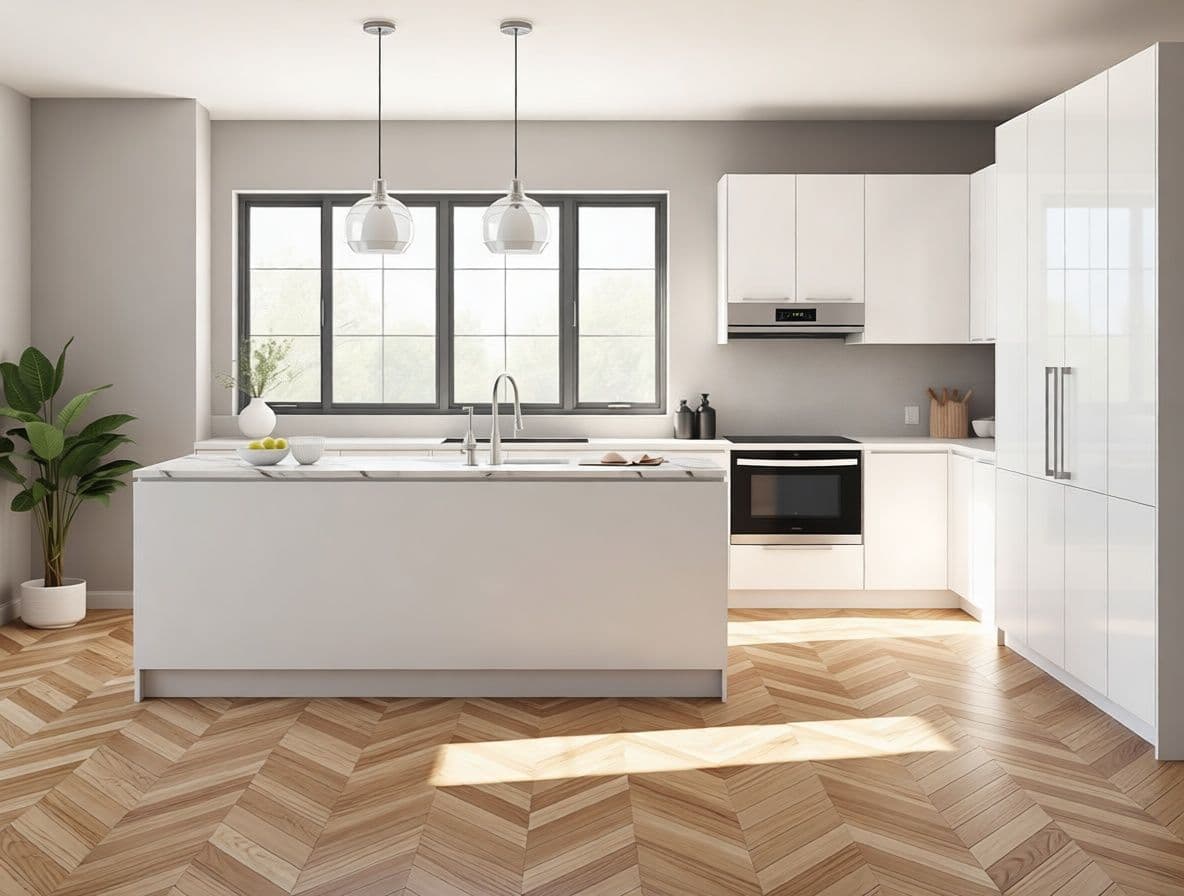
The single most useful move is masked material change. Select a surface — a floor, a wall, a kitchen island — and swap only its material. The geometry, layout and lighting stay identical; only the finish changes. Ceramic to oak herringbone, laminate to Calacatta marble, matte to gloss: each variant takes seconds and looks like the same photograph with a different specification.
Restyling a whole room
For a full mood shift, describe the target style in plain words: 'restyle as a warm luxury hotel suite, upholstered headboard, brass lamps, soft evening light'. The AI keeps the room's structure and reinterprets the finishes, furniture and atmosphere around it — a fast way to show a client three directions before committing to one.
Trying furniture and objects
- Add: 'place a low walnut coffee table and a large plant by the window'.
- Remove: 'clear the clutter from the shelves'.
- Replace: 'change the sofa to a green velvet three-seater'.
From still to walkthrough
Once a scheme lands, turn the still into a short cinematic clip with a slow camera move — a details that makes a proposal feel finished and is ideal for social media and client presentations.
The designer's advantage
None of this replaces design judgment — it removes the production bottleneck between having an idea and showing it. The designer who can present three material options and a mood video in the same meeting where the idea came up is the one who closes the project.
See it on your own project
Try the demo